What it does
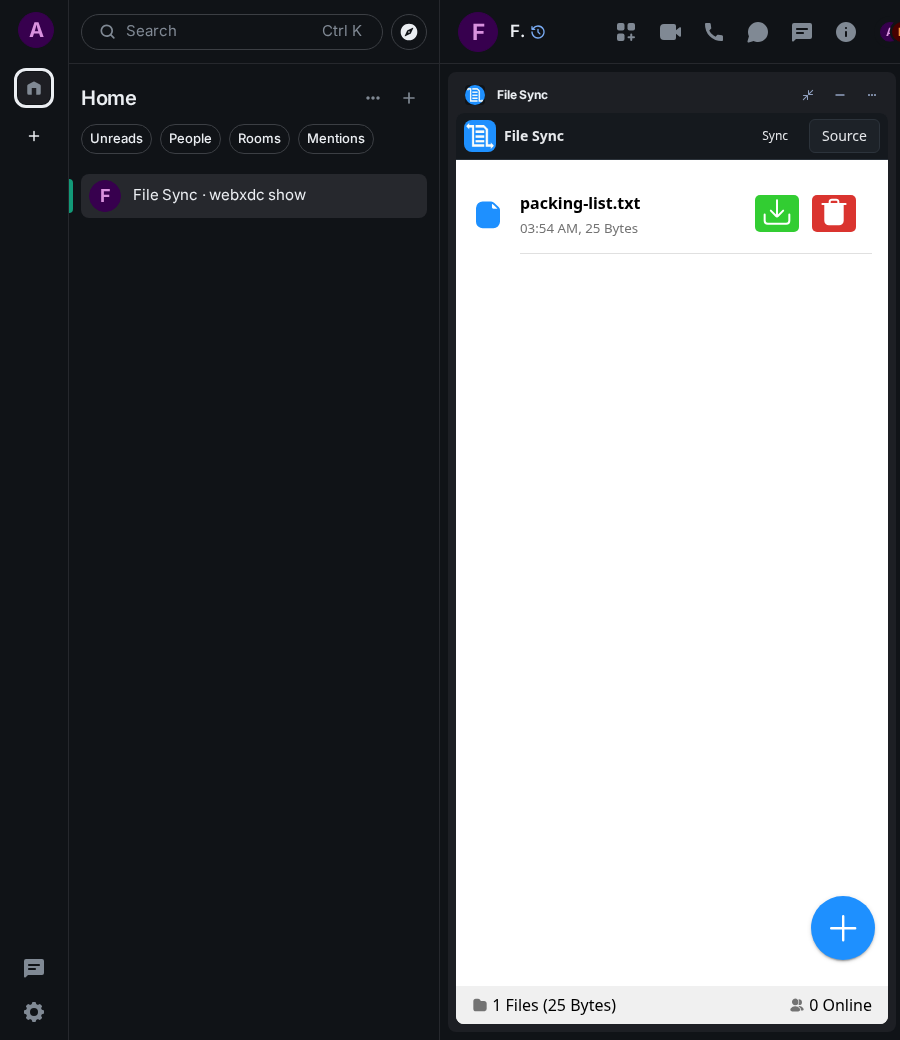
File Sync keeps a list of files in sync between the people in a chat (or your own devices). Files travel directly between the devices that have the app open at the same time, using the realtime peer-to-peer channel, rather than being posted as messages. Handy for passing a few documents around a group.
How to use it
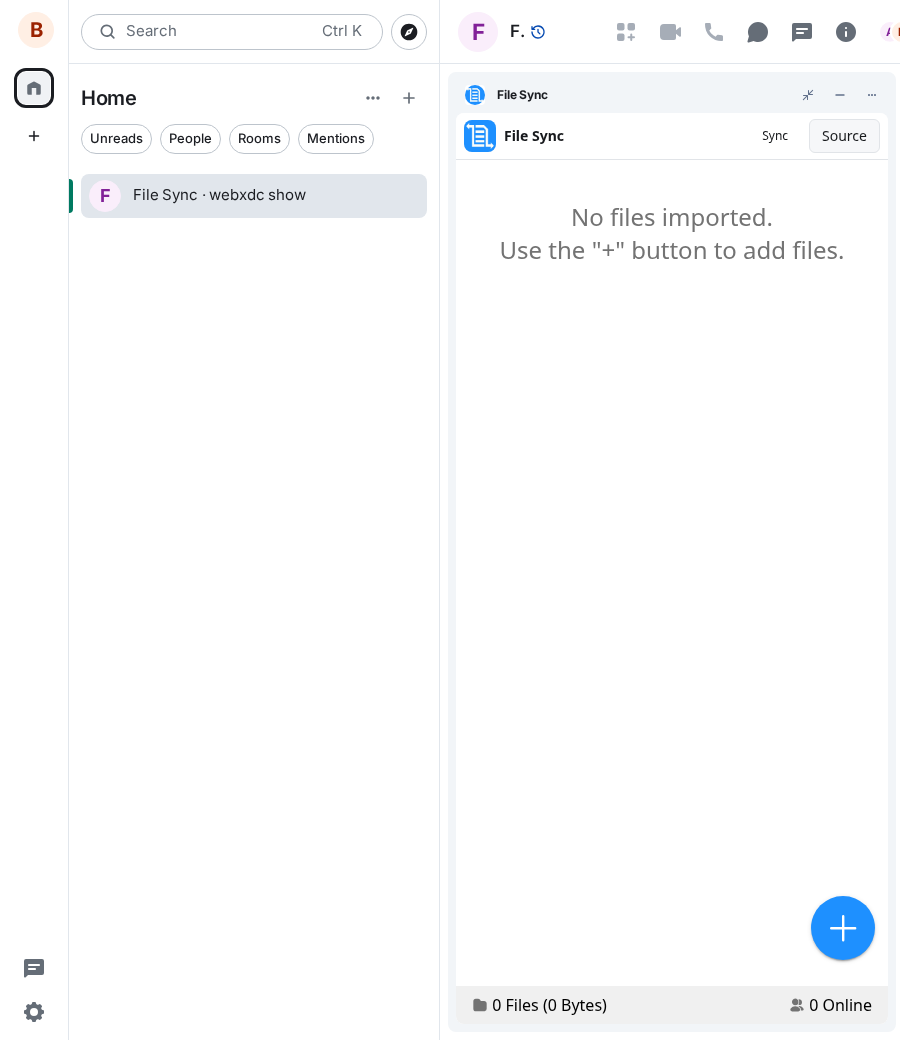
- Open the app; the footer shows how many others are online
- Tap + to add files
- Others with the app open receive them automatically
- Tap the green button to save a file, the red one to remove it
Screenshots
Known issues
Realtime channel delivers nothing between two Element Web clients (widget)
Ada and Ben both had File Sync open in the same encrypted room; both footers stayed at “0 Online” for over a minute and Ada's packing-list.txt never reached Ben (scenario timed out waiting for it). The same happened with Excalidraw (live strokes never arrived). The widget sends realtime data as encrypted to-device messages (src/room.ts joinRealtime → api.sendToDevice(REALTIME_TYPE, true, …)) and swallows any error, so the cause (Element refusing/failing the encrypted to-device send for fresh accounts, a missing capability, or receive side) is not visible. The mock-host test passed only because to-device messages were relayed by the test itself.