PO-12
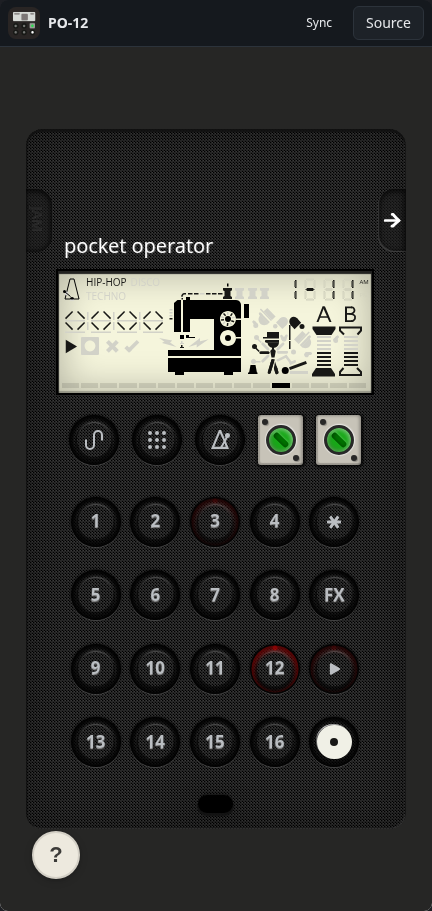
A PO-12 pocket drum machine emulator
ToolSoloWorks
What it does
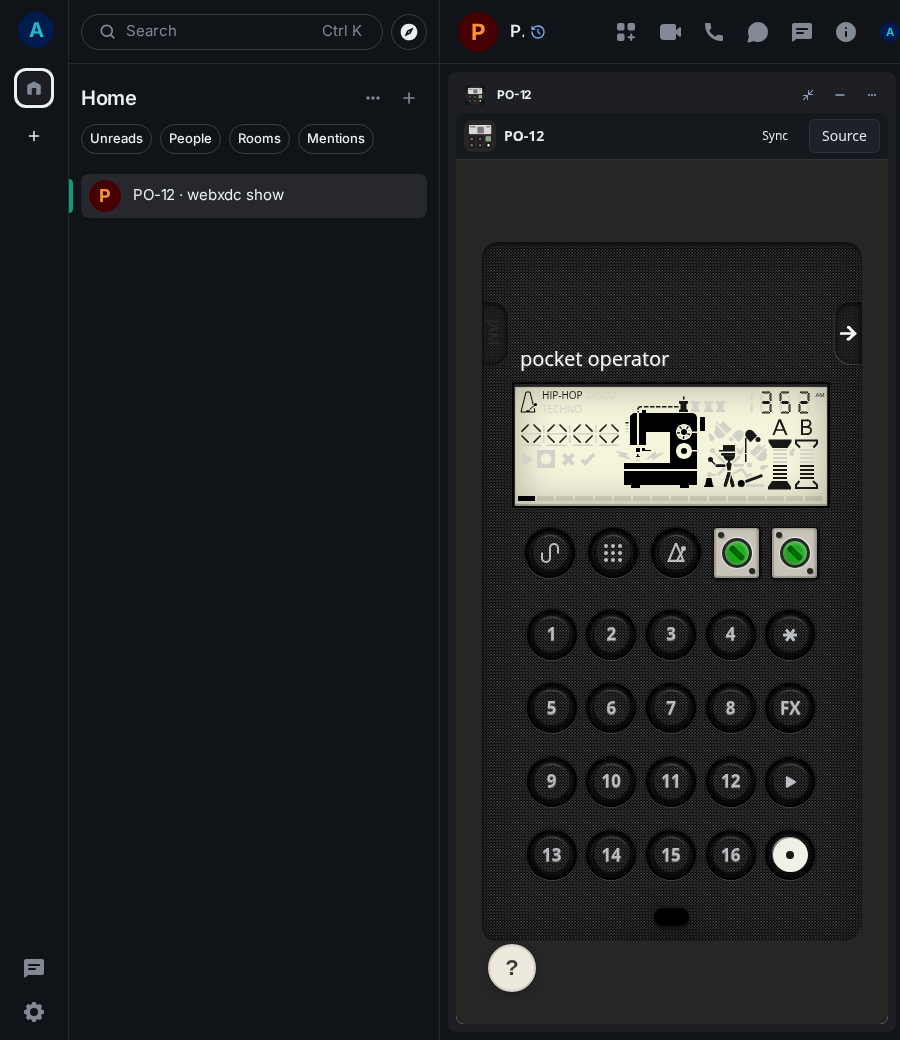
PO-12 recreates the teenage engineering PO-12 rhythm pocket operator: sixteen drum sounds, a sixteen-step sequencer, sixteen pattern slots and a tempo button. You pick a sound, press record and tap the steps where it should play, then let the pattern loop. A built-in tour explains every button; patterns are kept on your device and can be exported to share.
How to use it
- Turn the volume up; take the tour if you are new.
- Tap the numbered keys to hear the sixteen sounds.
- Press record, then tap the steps where the sound should play.
- Choose another sound with the sound-select key and add it.
- Press play to loop your beat.
Screenshots