Found ICE
Write up an ICE sighting and send it to the group
ToolSoloWorks
What it does
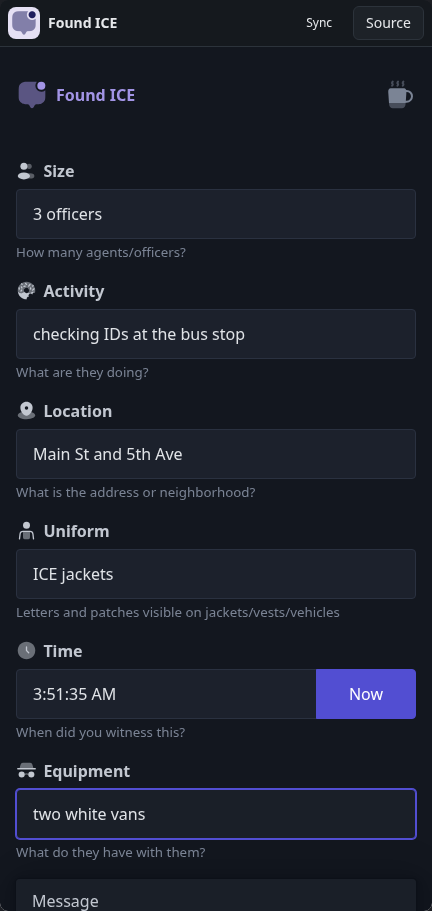
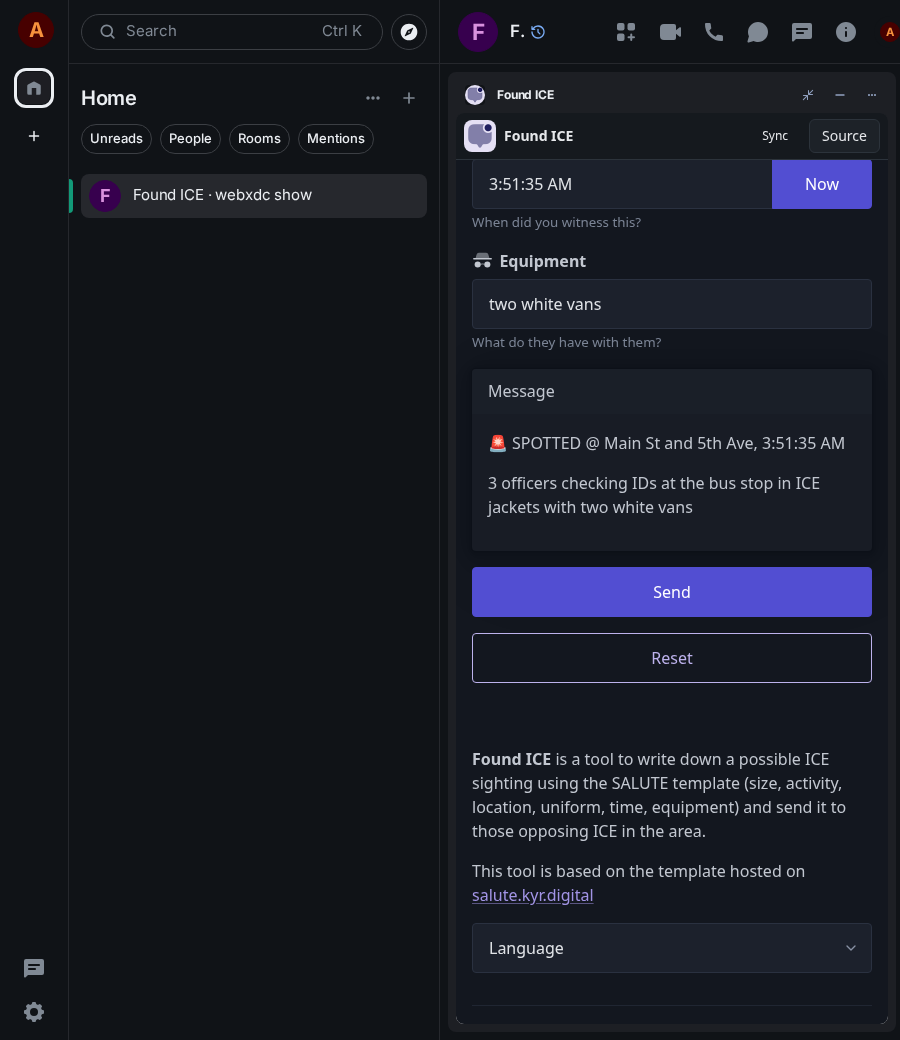
Found ICE is a form for reporting a sighting of immigration enforcement agents: how many, what they are doing, where, what they wear, when, and what equipment or vehicles they have. Send turns the answers into one clear text message for the group chat, so a rapid-response or neighbourhood group gets the same useful details every time. It works offline and keeps nothing.
How to use it
- Fill in size, activity, location and uniform.
- Tap Now to stamp the time, add equipment if any.
- Tap Send to post the report to the chat as text.
- Tap Reset to start a new report.
Screenshots