Split Bill
Track shared expenses and see who owes whom
ToolShared by everyoneWorks
What it does
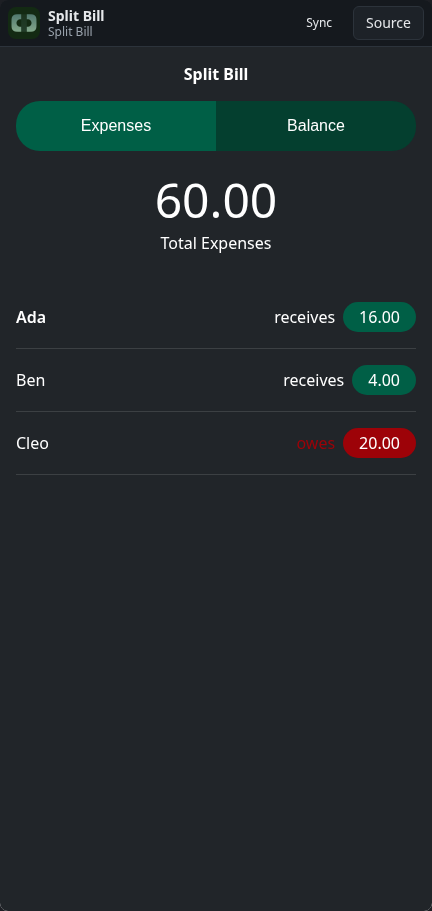
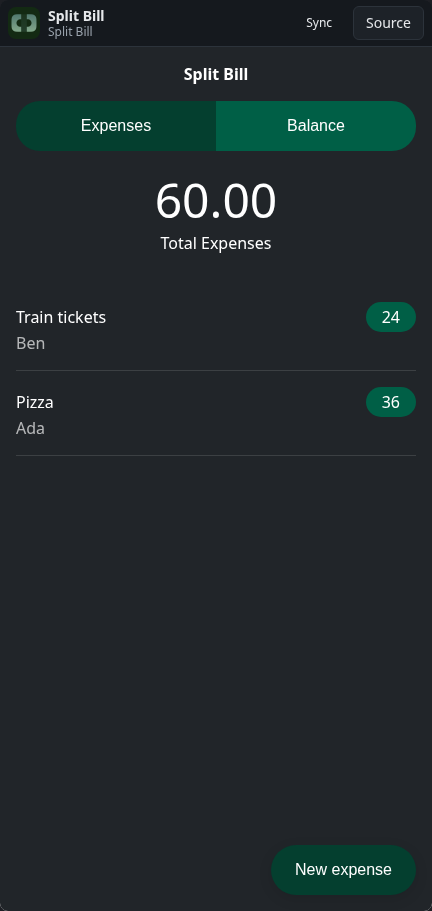
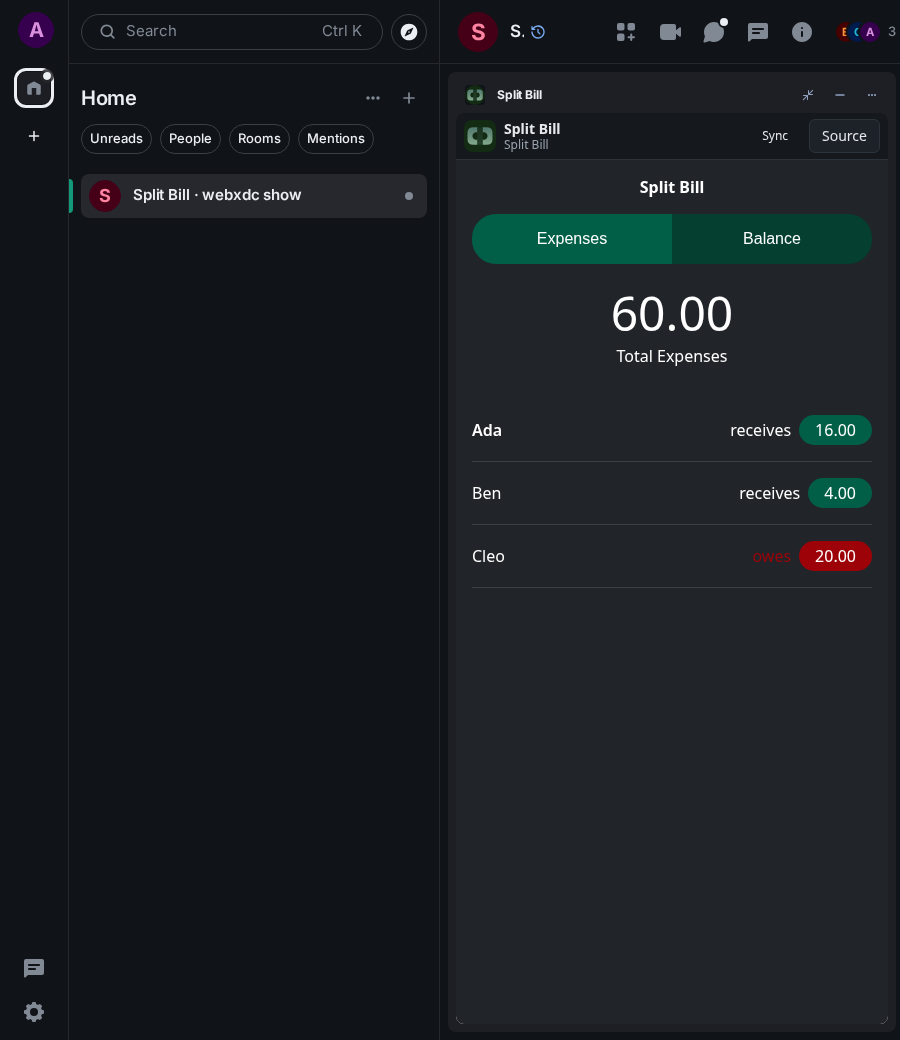
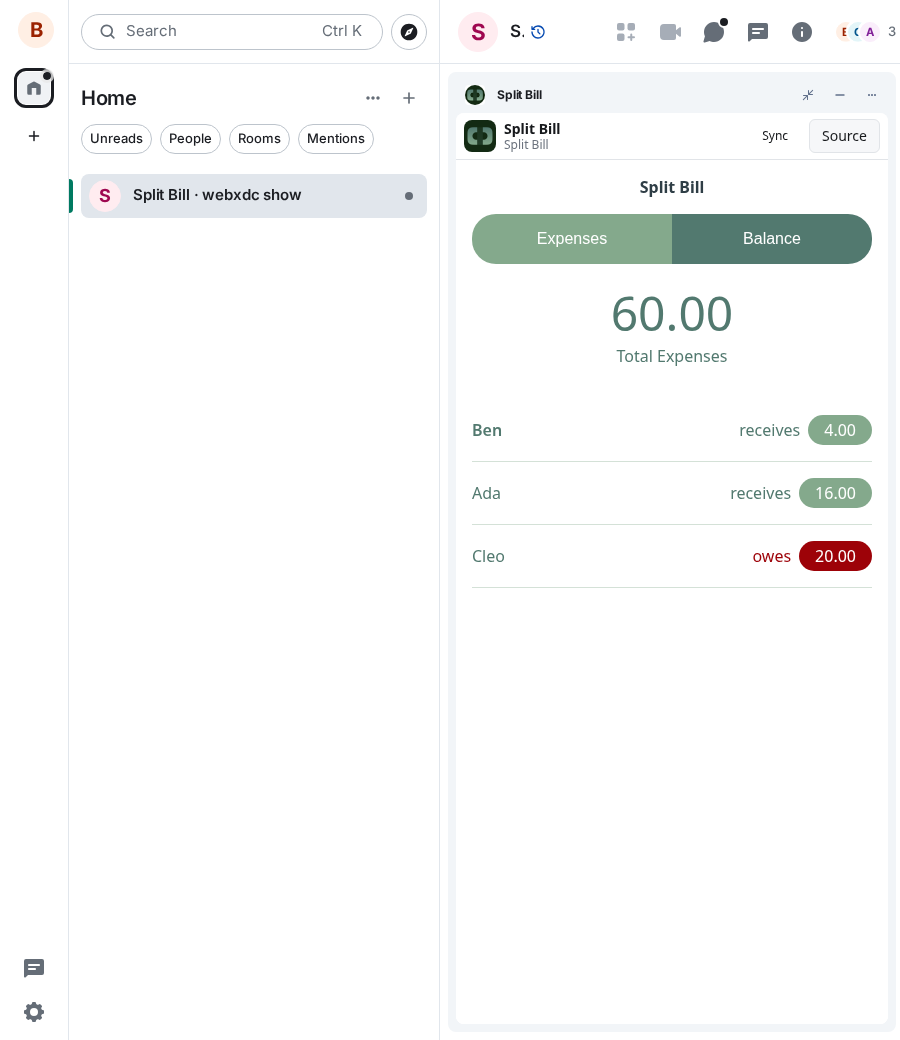
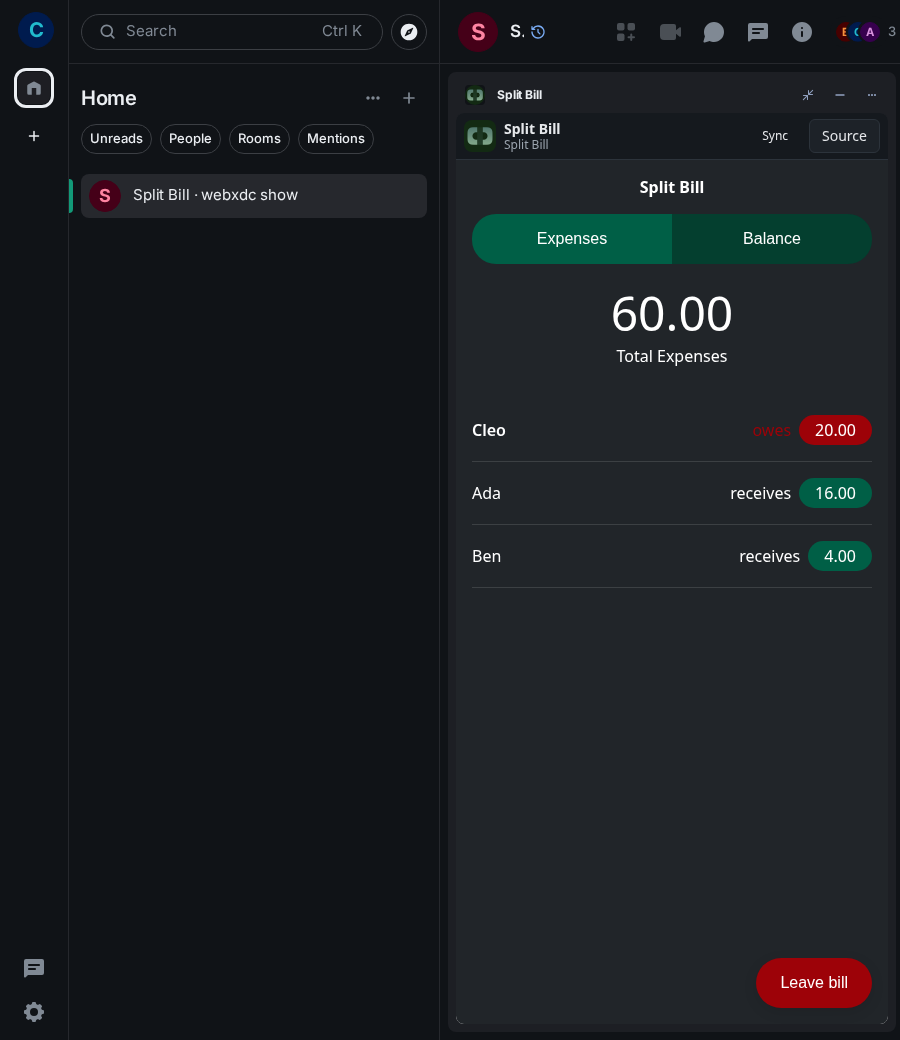
Split Bill keeps a list of what each person paid on a trip, at home or for a dinner out. Everyone who joins the bill shares the costs equally, and the Balance tab shows who receives and who owes how much. The list is shared, so the whole group adds expenses in the same place.
How to use it
- Press New expense, enter a title and the amount, choose who paid, Save
- Others in the chat see the expense in their list
- Open Balance and press Join bill to take part in the split
- Read who owes and who receives; settle up outside the app
Screenshots