What Time?
Share and compare time zones with the group
ToolShared by everyoneWorks
What it does
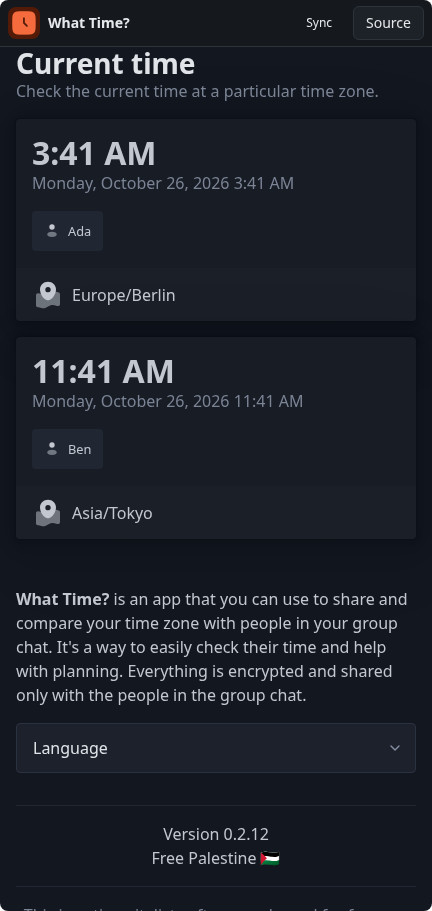
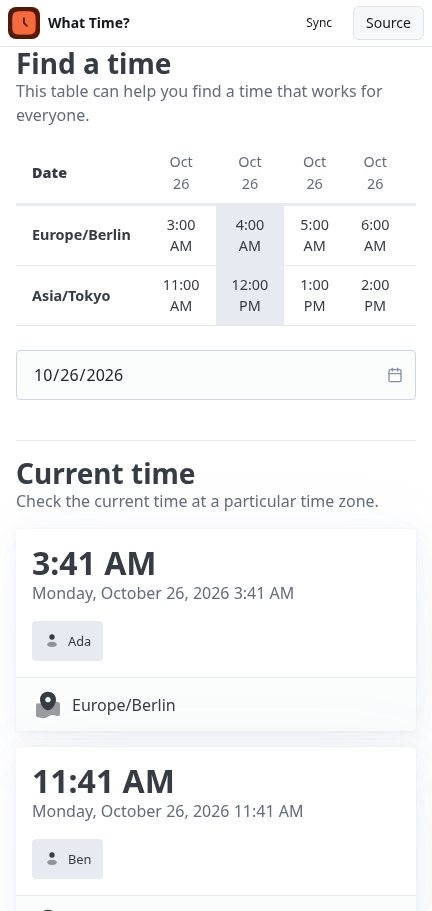
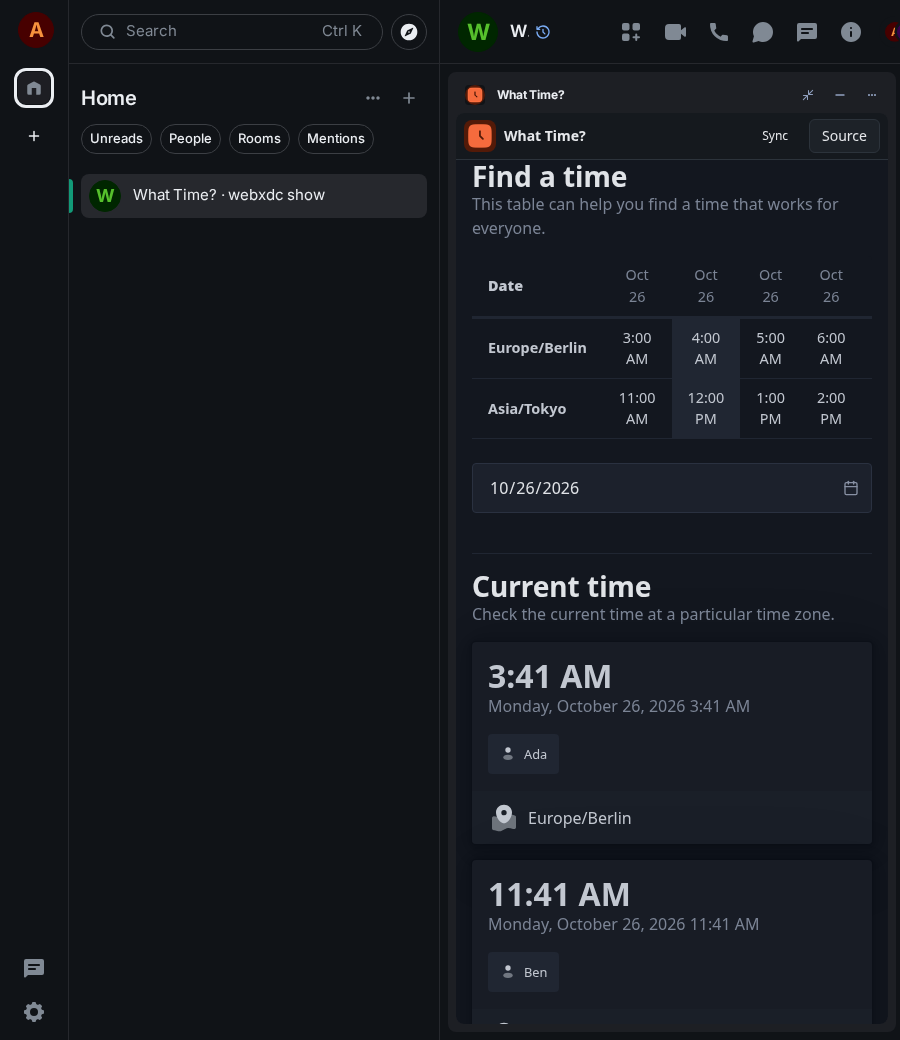
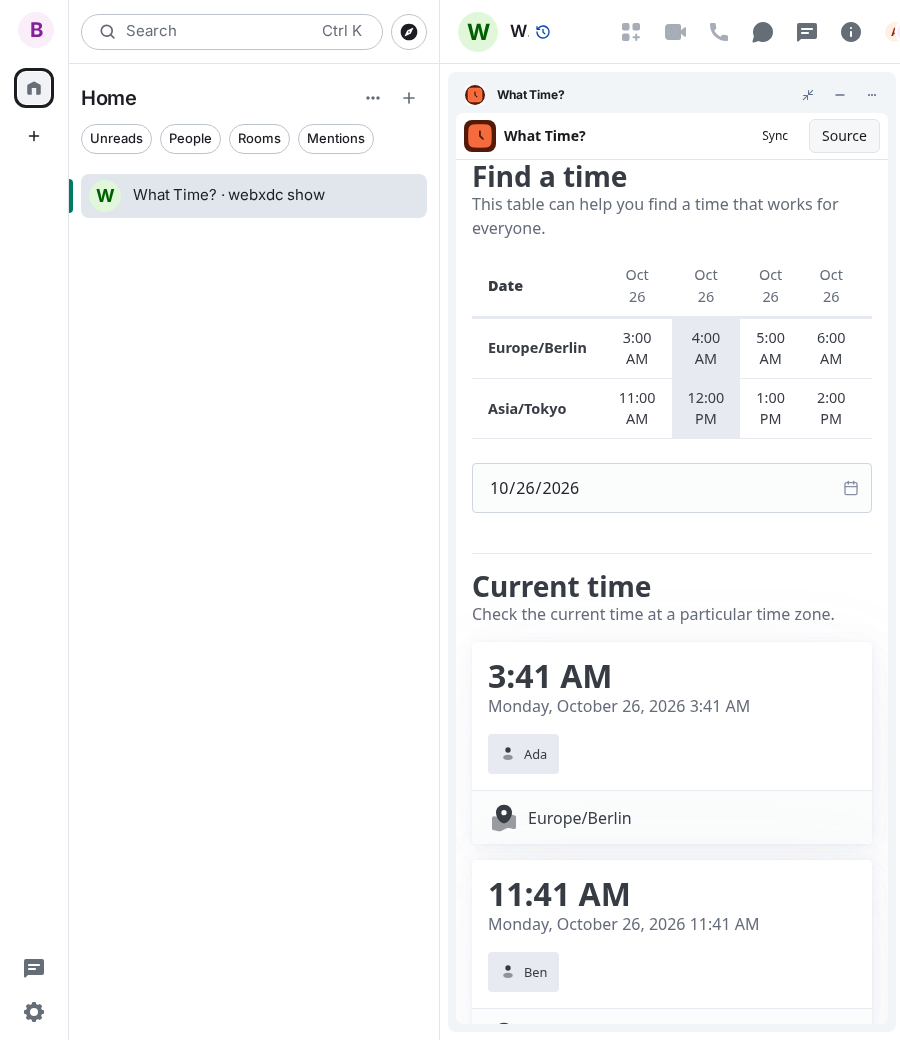
What Time? lets everyone in the chat share their time zone and shows the current local time of each person side by side. A shared table of the next 48 hours helps the group find a time that works for all: a slot marked by one person is highlighted for everyone. It is written in Lua and runs entirely inside the chat.
How to use it
- Pick your time zone from the list.
- Tap Share time zone; your name appears on its clock for everyone.
- Scroll down to the Find a time table.
- Tap an hour to mark it; the others see the mark too.
Screenshots