MD-Docs
A shared Markdown document for the group
ToolShared by everyoneWorks
What it does
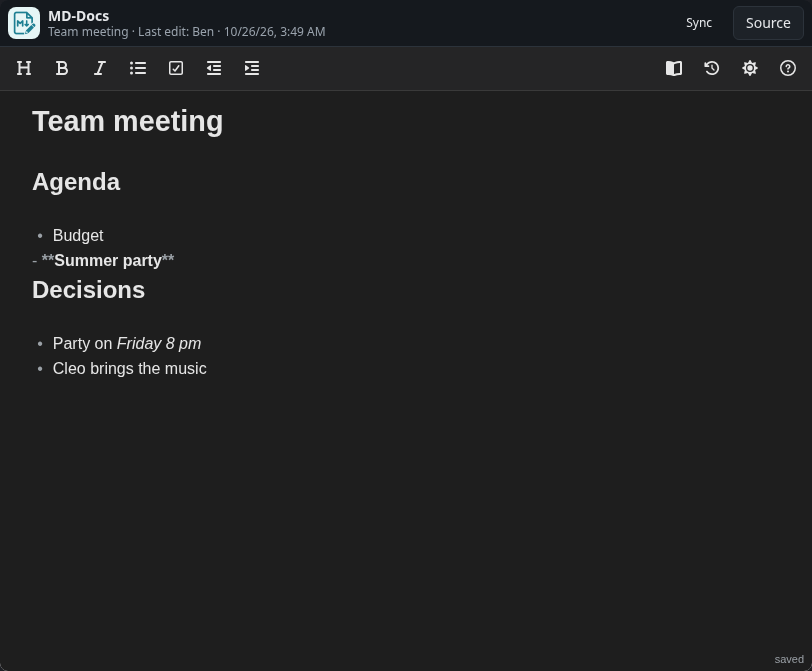
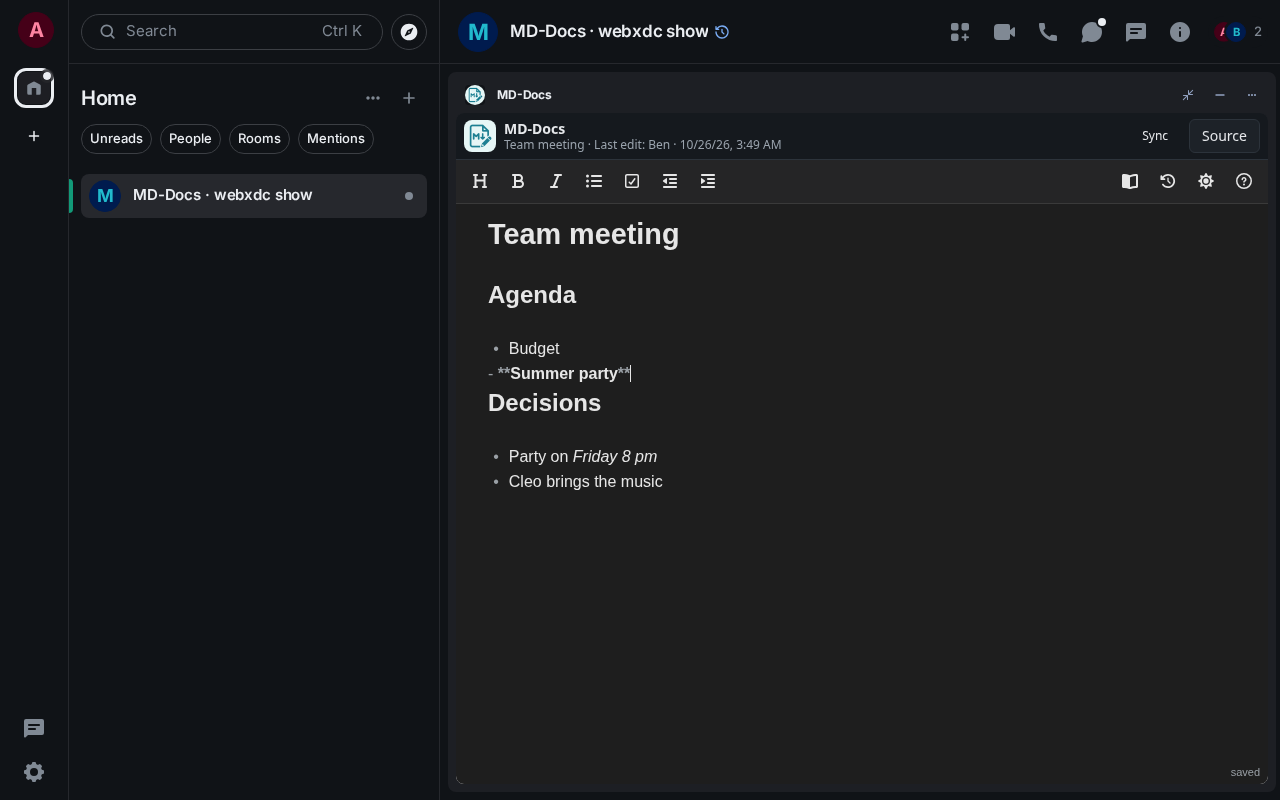
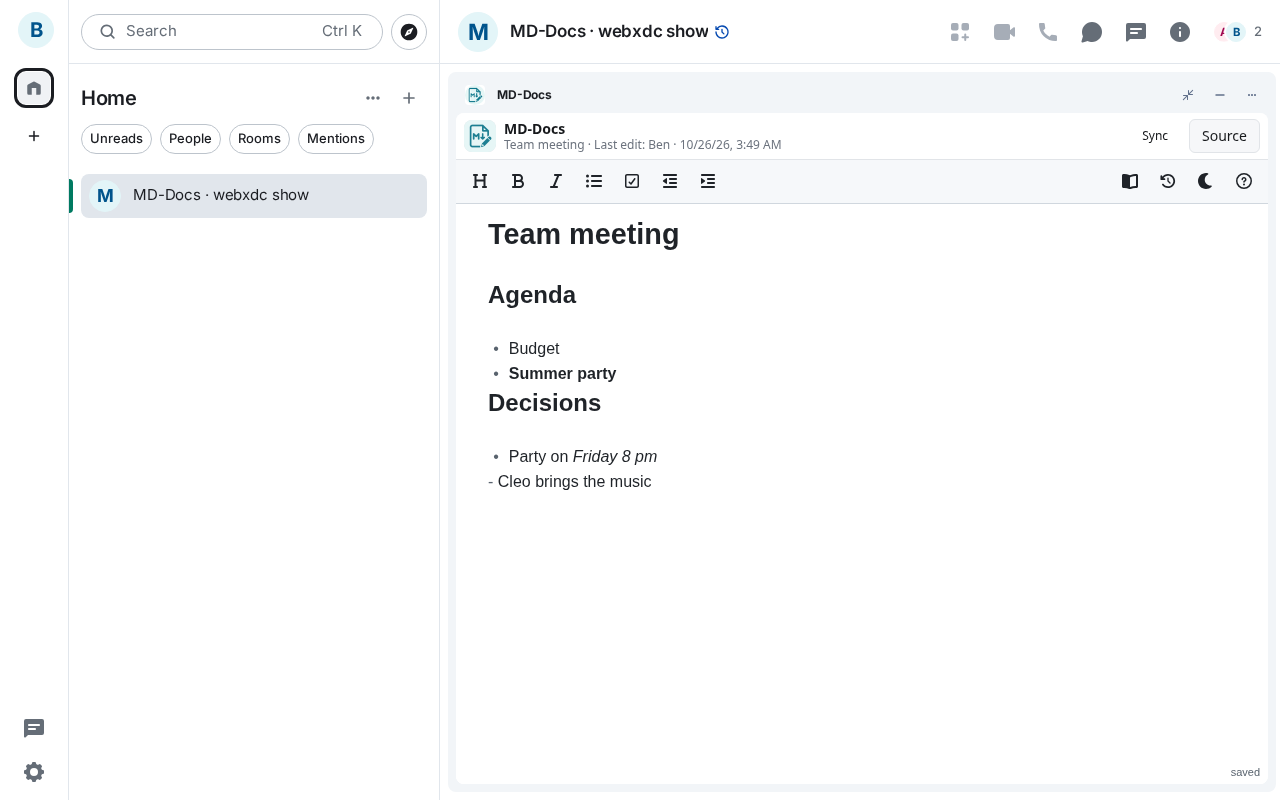
A collaborative text editor with basic Markdown (headings, lists, bold, italic, checkboxes), styled like the editor in Obsidian. Everyone in the room edits the same document; changes reach the others as soon as the editor has saved them. You can browse the history of the document and restore an older version. Good for meeting notes, agendas or a shared plan.
How to use it
- Click into the document and start typing
- Use Markdown or the toolbar for headings, lists and checkboxes
- Your text reaches the others once it is saved (bottom right: saved)
- Open the history (clock icon) to restore an earlier version
Screenshots