Grocery Board
A shared grocery list, sorted by supermarket aisle
ToolShared by everyoneWorks
What it does
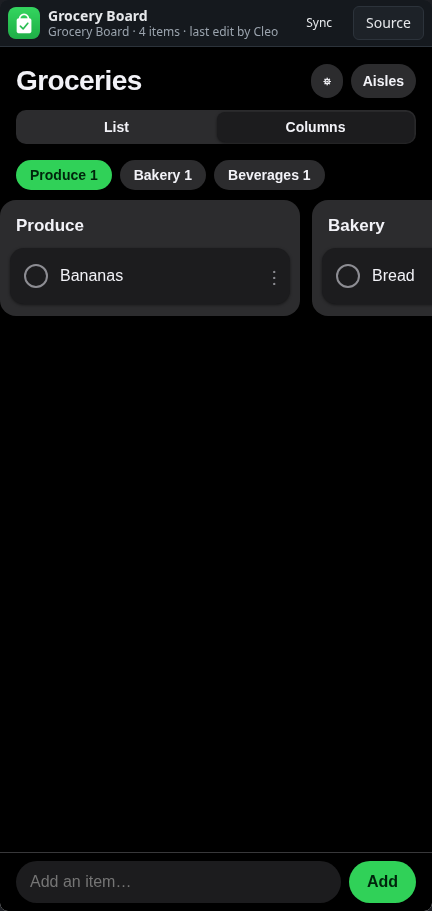
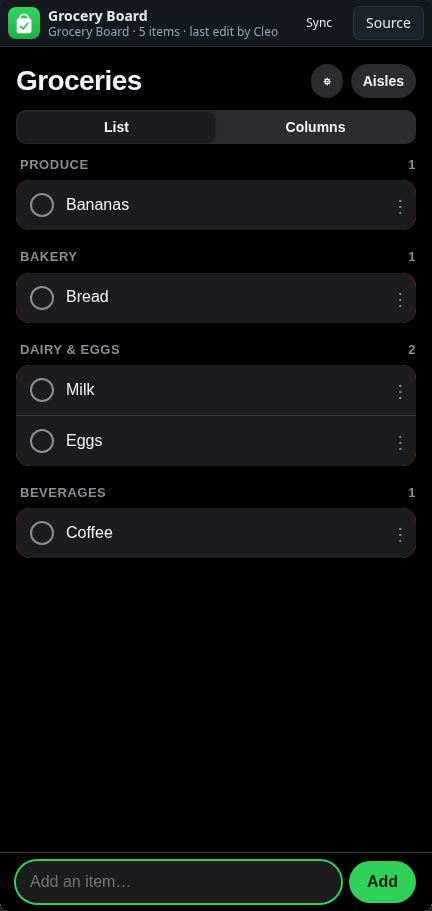
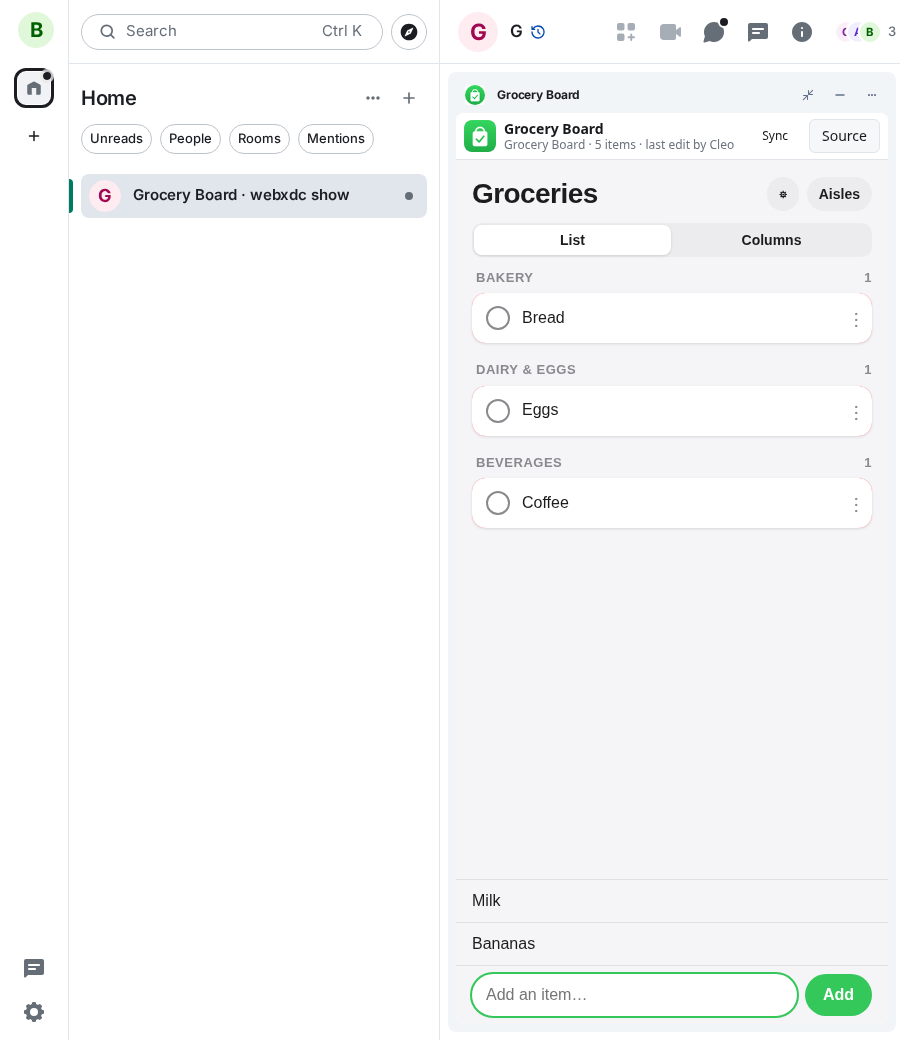
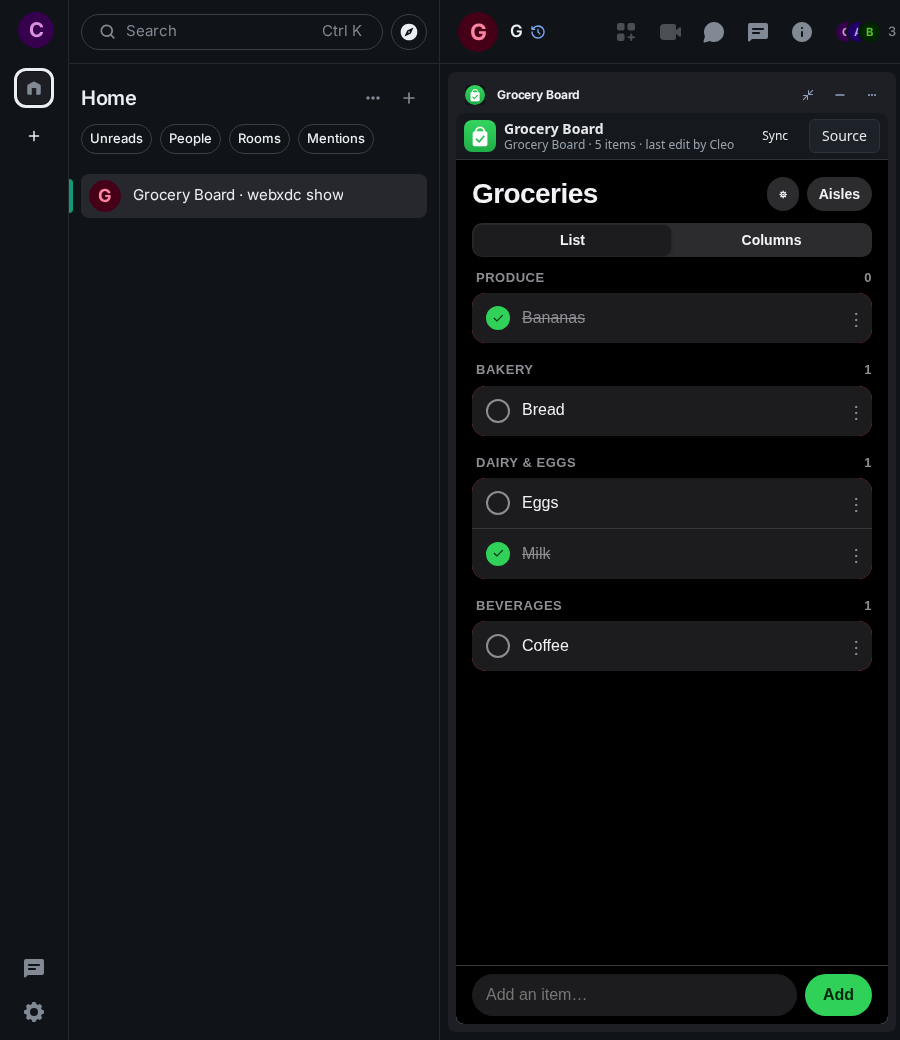
Grocery Board is a shopping list the whole chat can edit. Every item you add is filed under its aisle (produce, bakery, dairy and so on), so the list follows the way through the shop. Anyone can tick items off while shopping, and the others see right away what is still missing. A Columns view shows one column per aisle.
How to use it
- Type an item into the field at the bottom and press Add
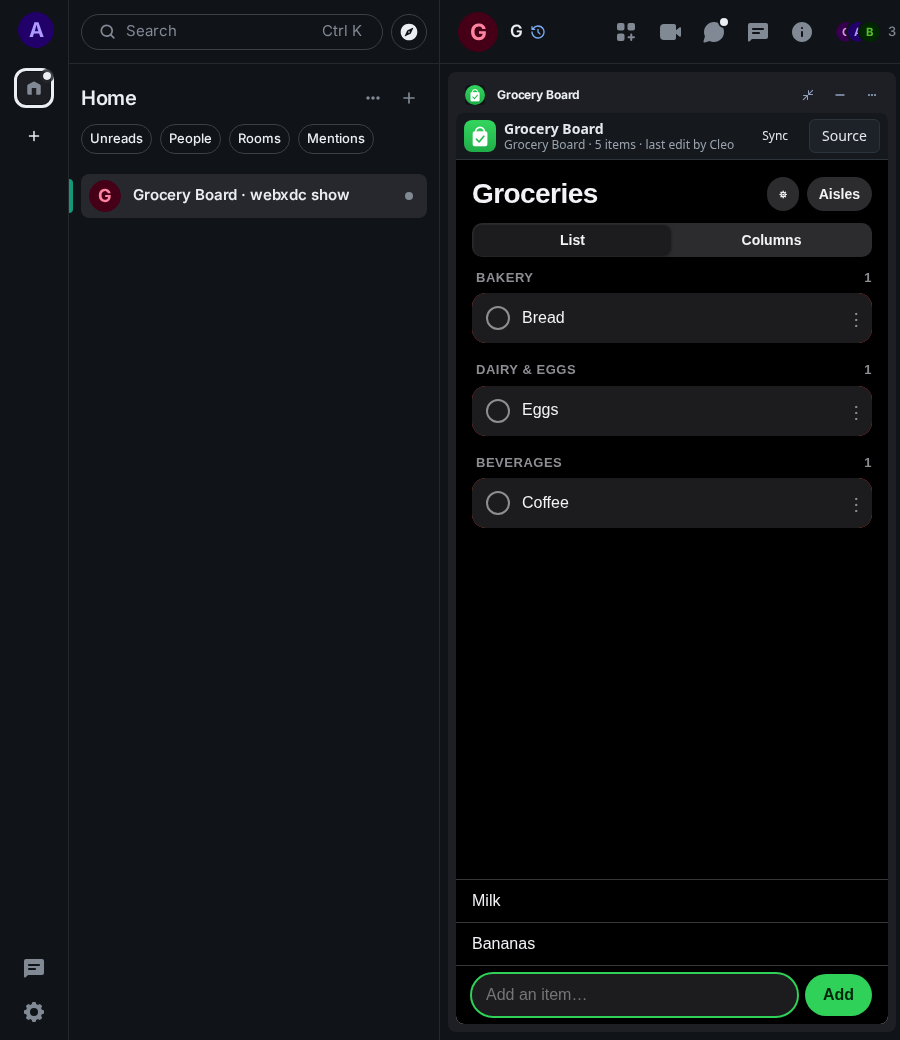
- Items sort themselves into aisles; others in the chat see them at once
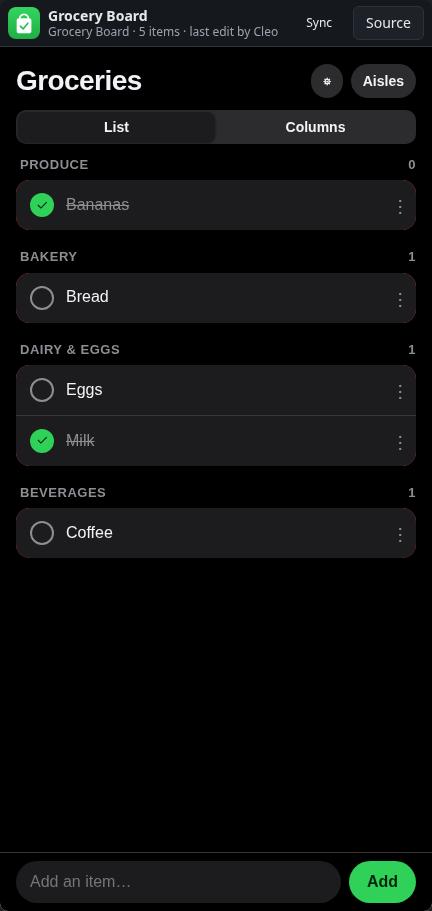
- Tick an item off when it is in your basket
- Use Aisles to rename, add or reorder aisles
Screenshots