Shopping List
A shared grocery list for the household
ToolShared by everyoneWorks
What it does
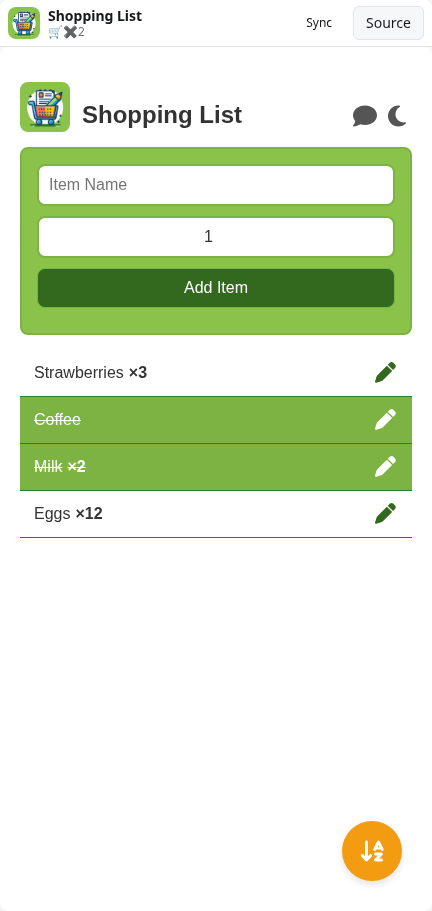
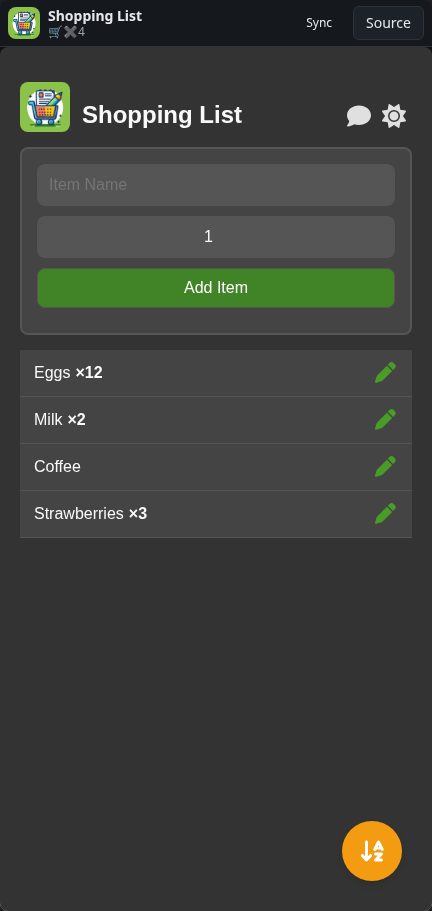
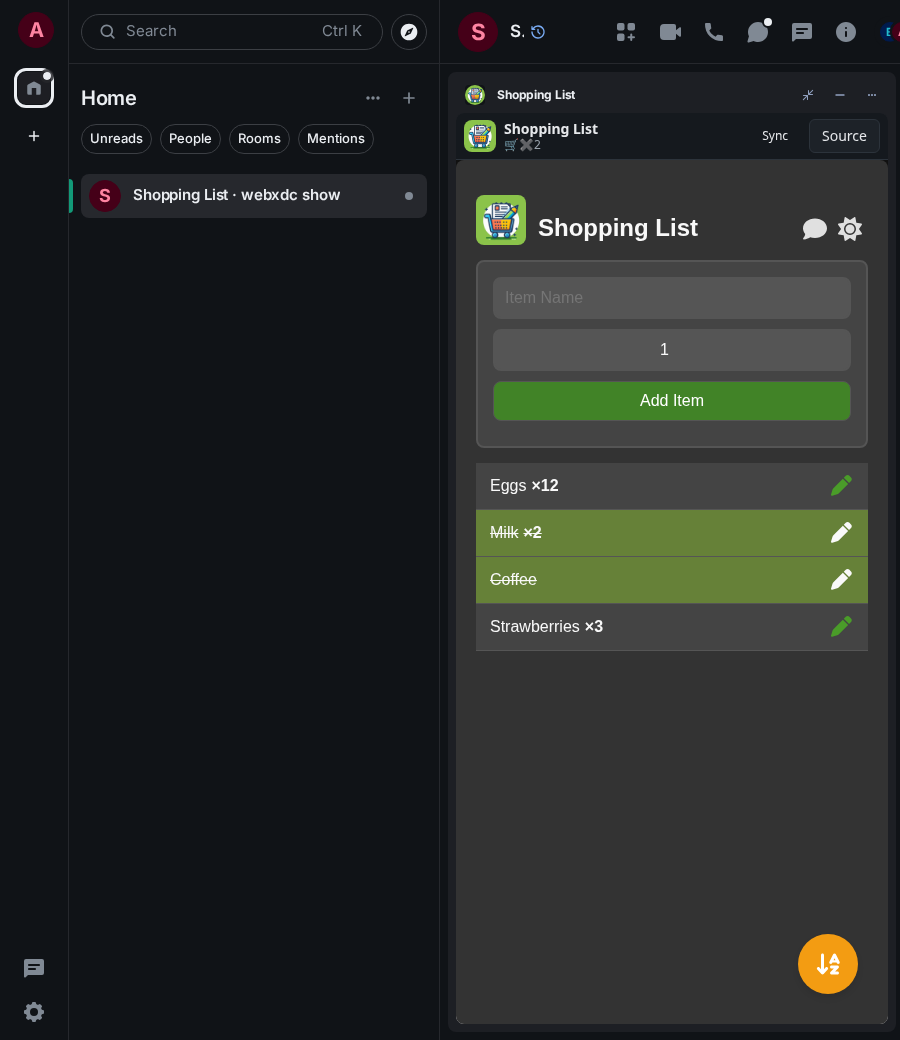
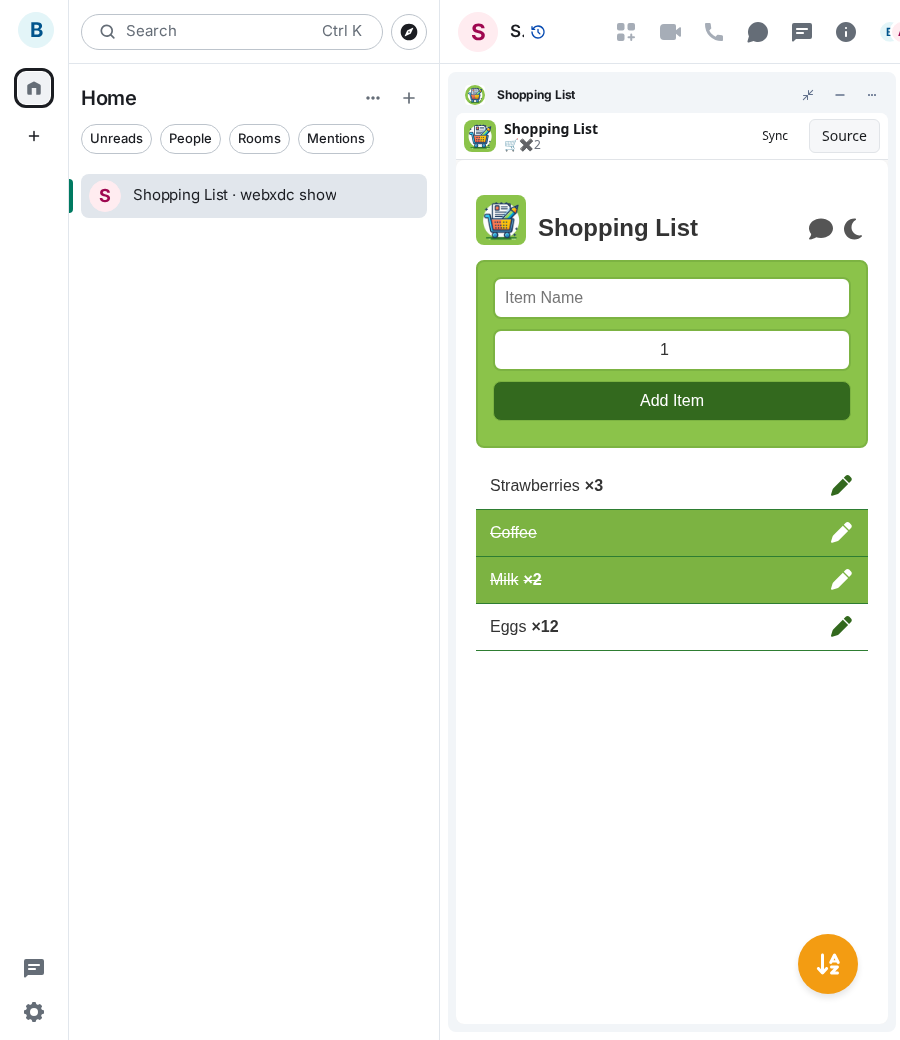
A simple shopping list everyone in the chat can edit. Anyone can add items with a quantity, edit them, and tap an item to mark it as bought, so whoever is in the shop knows what is still missing. Items can be sorted, and there is a dark mode.
How to use it
- Type an item name and a quantity, then press Add Item
- Everyone in the room sees the item at once
- Tap an item when it is in your basket to mark it as collected
- Use the pen to edit an item, the sort button to reorder the list
Screenshots