Quiet Bible Reader
An offline Bible reader with shared notes
ToolShared by everyoneWorks
What it does
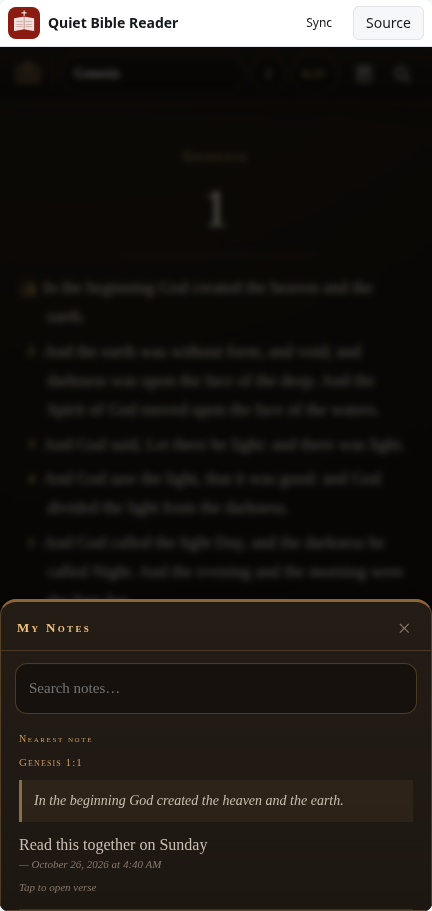
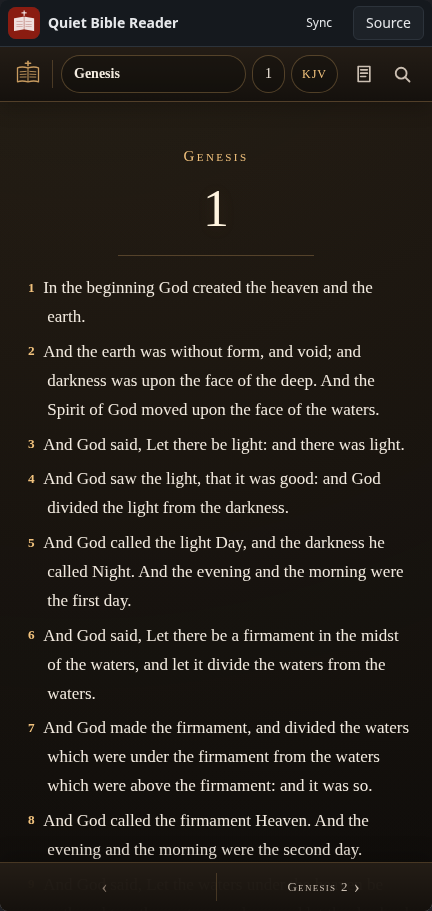
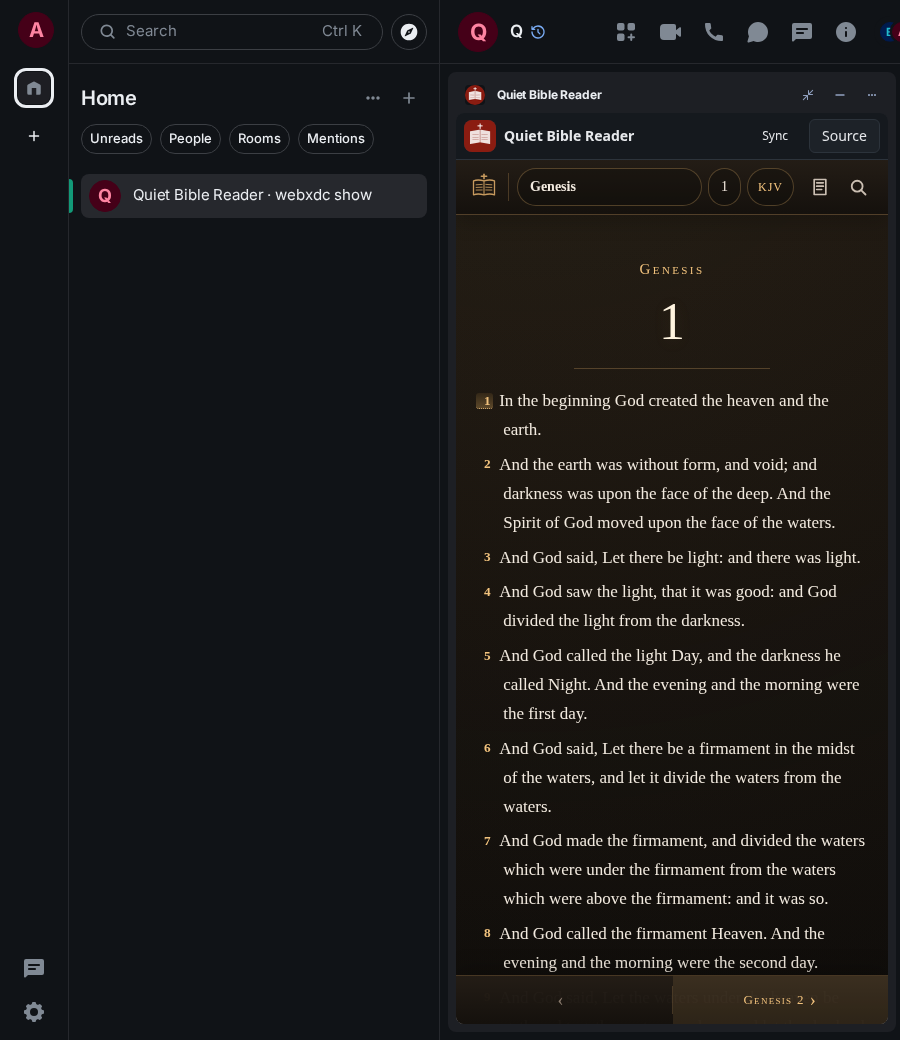
A calm, offline Bible reader with the King James Version, the Darby Translation and the Berean Standard Bible. You can add personal notes and highlights to verses, read translation notes, search, and follow an optional one-year reading plan. Notes stay on your device unless you turn on note sync in the settings; then the notes of everyone with sync on are shared in the chat, which suits a Bible study group.
How to use it
- Pick a book and chapter at the top, or use the arrows at the bottom
- Tap a verse number to add a note or highlight
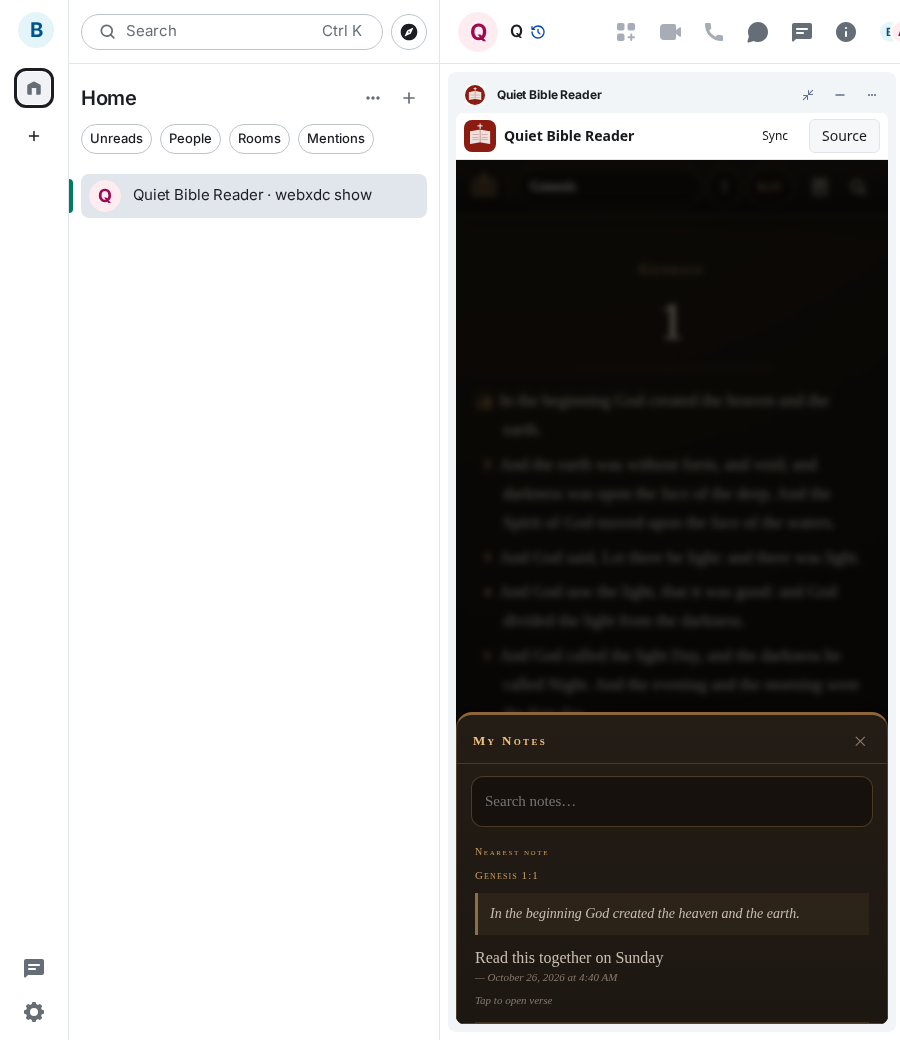
- Turn on note sync in the settings to share notes with the room
- Open My Notes to read your and the others' notes
Screenshots