Quiet Checklists
Several checklists, private or shared with the chat
ToolShared by everyoneWorks
What it does
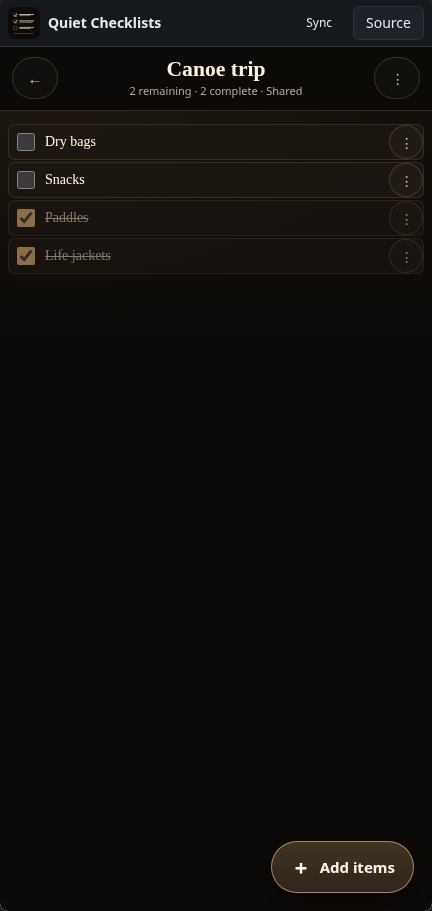
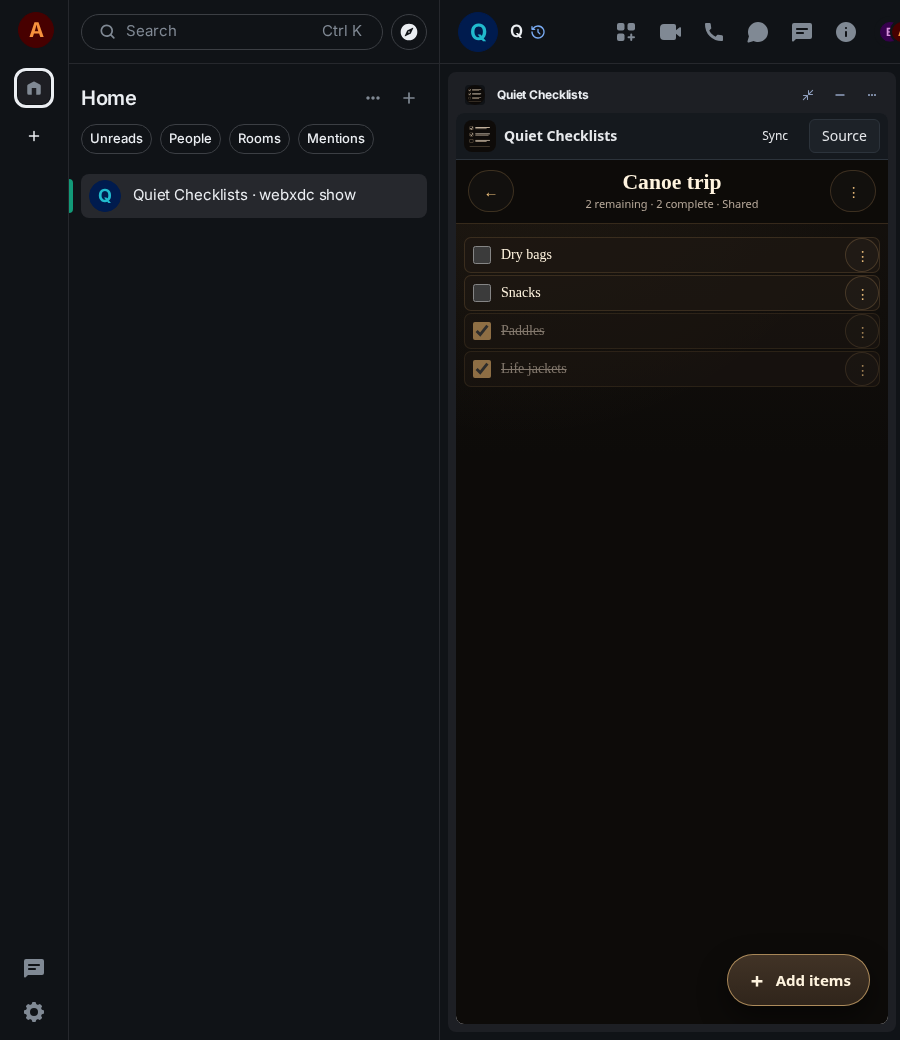
Quiet Checklists holds as many checklists as you like, with sections, item details, priorities and due dates. Each list stays private on your device unless you mark it as shared; shared lists are edited by everyone in the chat. Good for packing lists, chores and project to-dos, with backup and restore built in.
How to use it
- Press New checklist, give it a title, tick Shared to share it with the chat
- Add items: type one per line
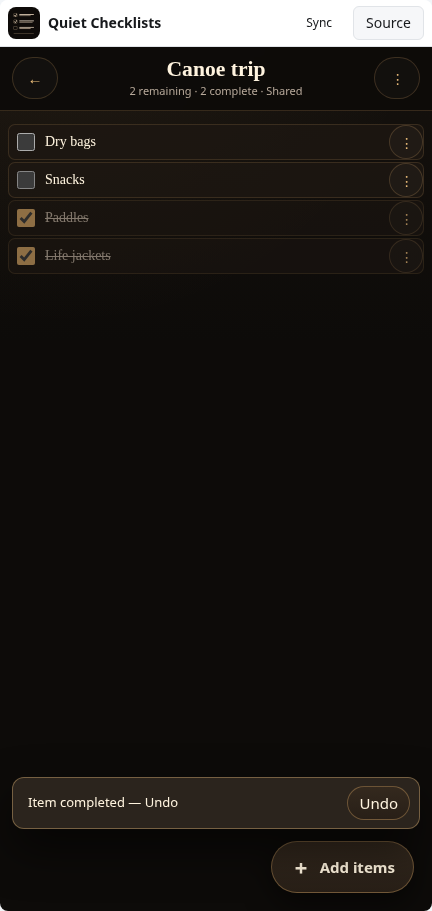
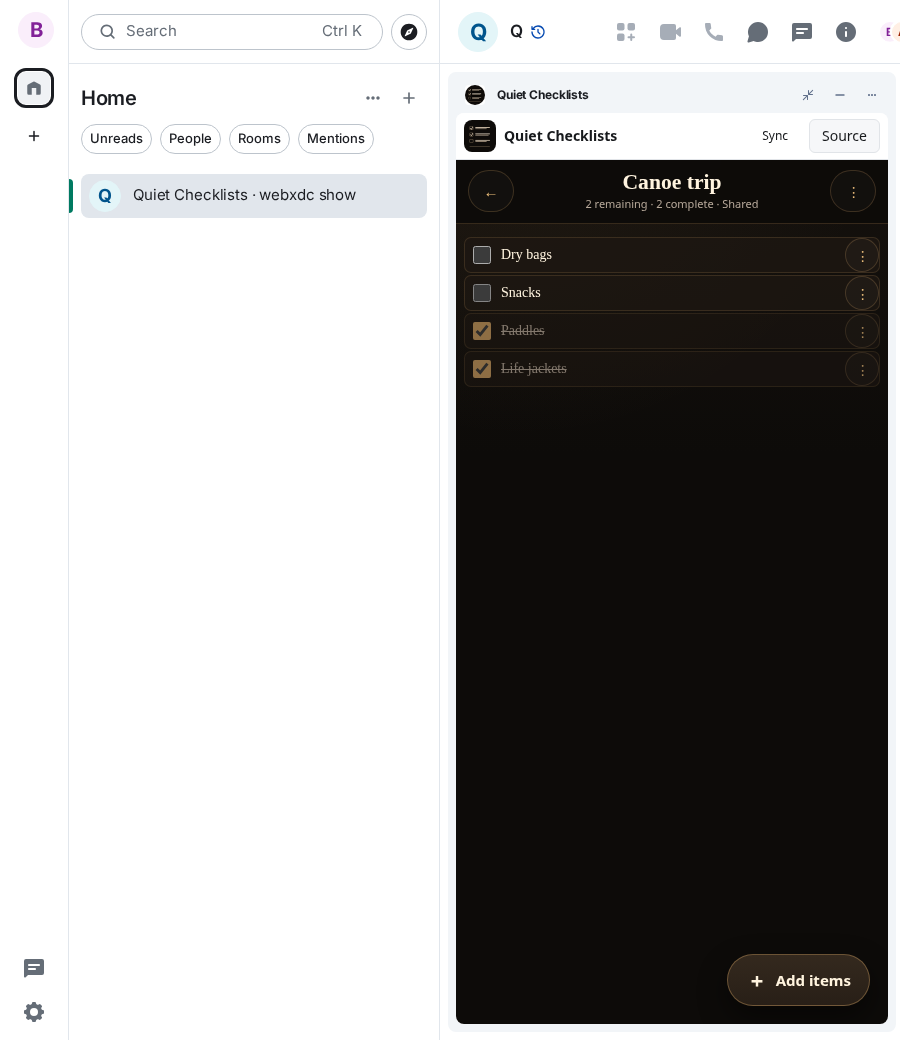
- Tick items off as you go; others see the progress on shared lists
- Use the ⋮ menus for sections, details, sorting and backup
Screenshots