Favorite Player
Your music player, shared as an app in the chat
ToolSoloWorks
What it does
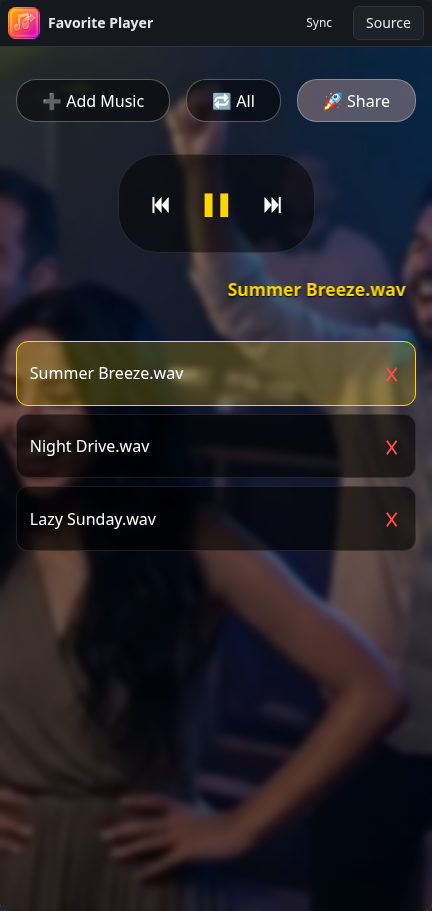
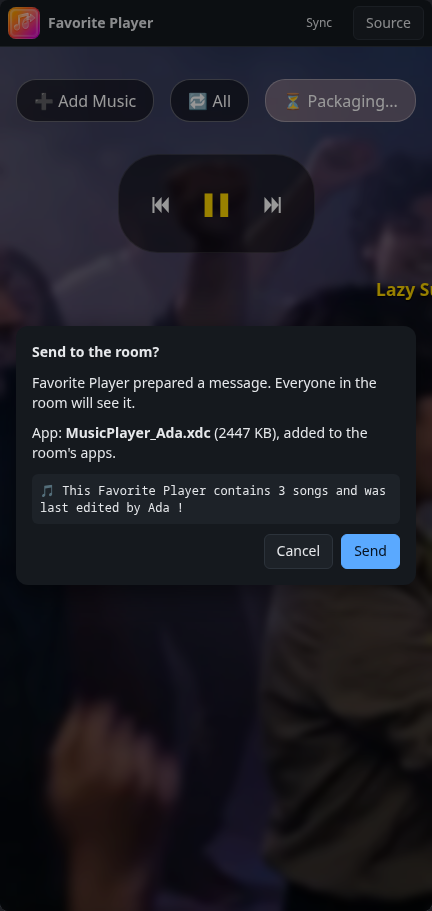
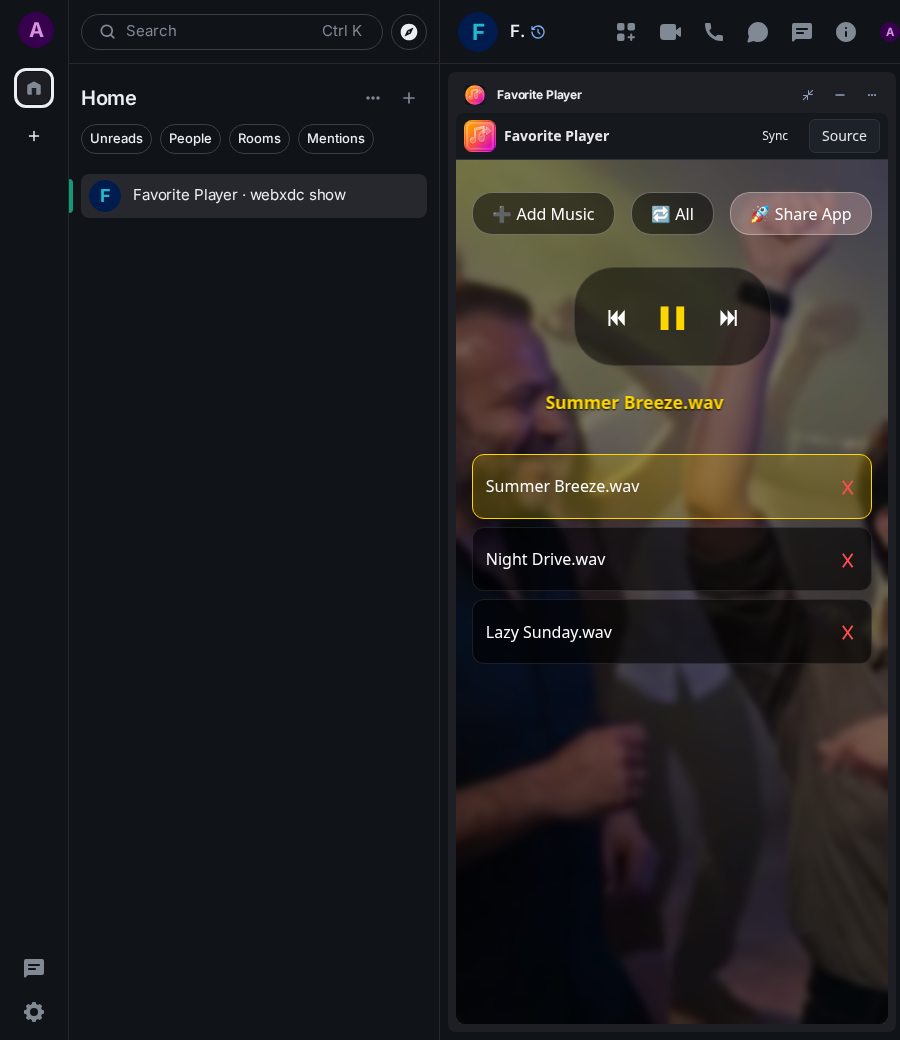
A good-looking music player for your favourite songs: add audio files, play them in order, shuffle or repeat. Share packs the player with your songs into a new app sent to the chat, so friends can open it and listen to your playlist.
How to use it
- Tap Add Music and pick some songs.
- Play, skip and choose the repeat mode.
- Tap Share to send your player with its songs to the chat.
Screenshots