Traero
A shopping list with big tap-to-buy tiles
ToolShared by everyoneWorks
What it does
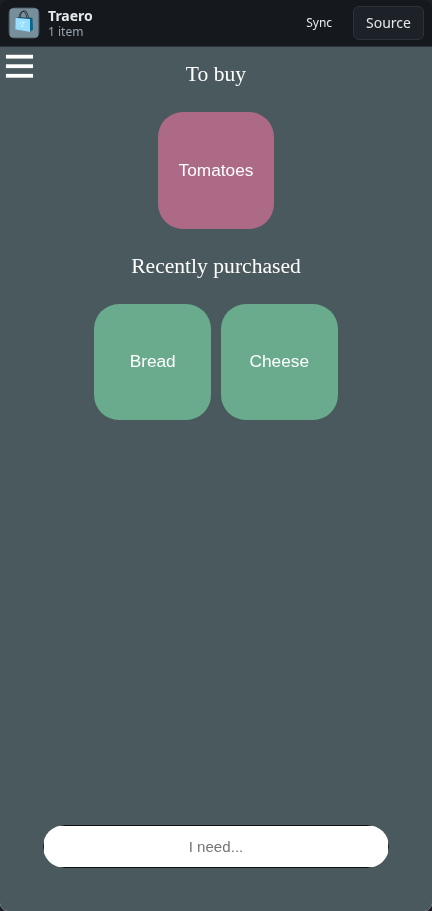
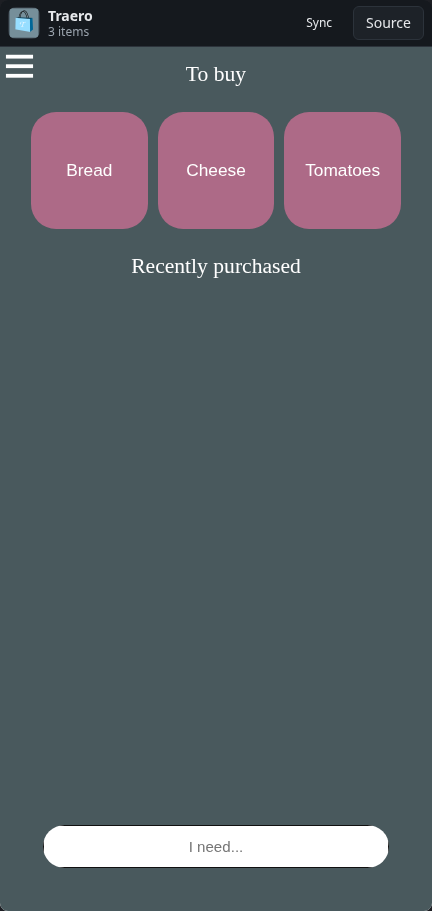
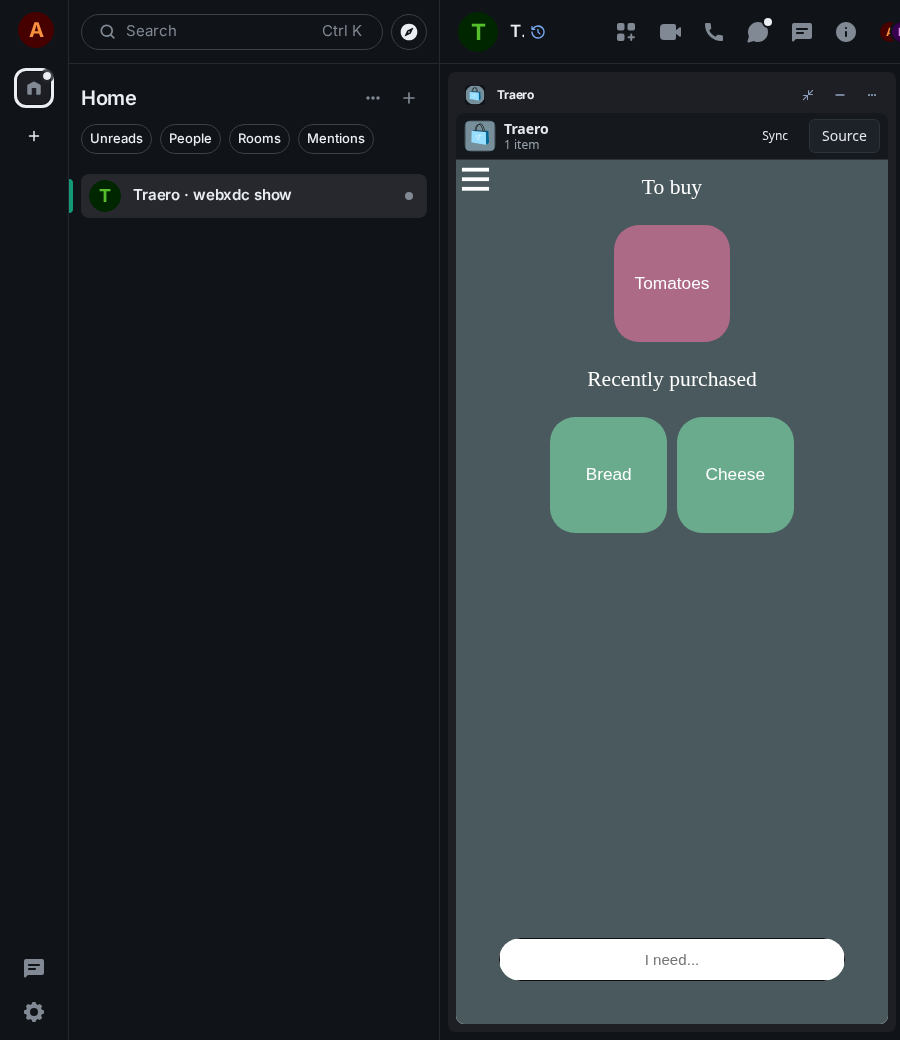
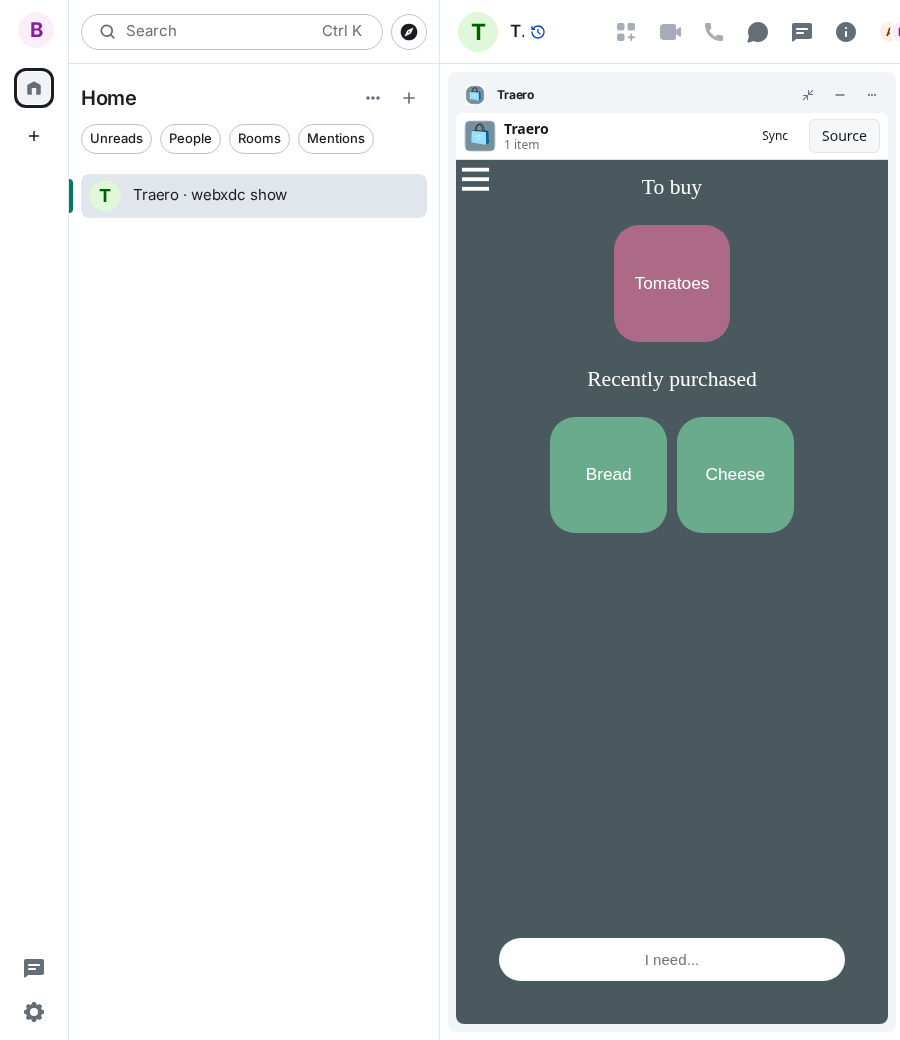
A shopping list in the style of the Bring! app: every item is a large tile, and everyone in the chat can add items, tap a tile when it is in the basket, and tap it again to put it back on the list. Bought items move to a Recently purchased section, so they are quick to add again next time. Lists can be exported and imported, and there are themes and several languages.
How to use it
- Type what you need into the I need... field and press Enter
- Tap a tile when you have bought it
- Tap a tile under Recently purchased to need it again
- Hold a tile for a second to remove it
Screenshots