v86Emu
Boot a PC operating system inside the chat
ToolSoloWorks
What it does
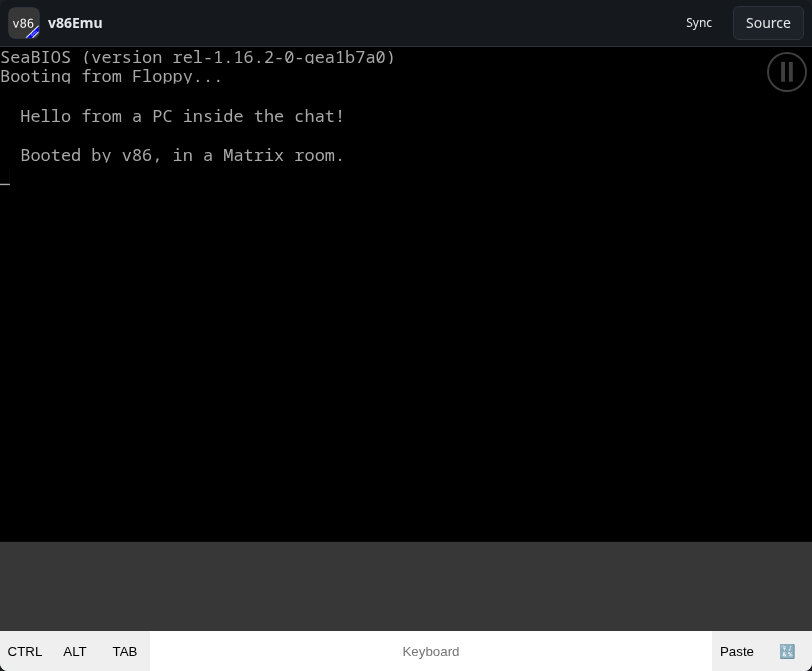
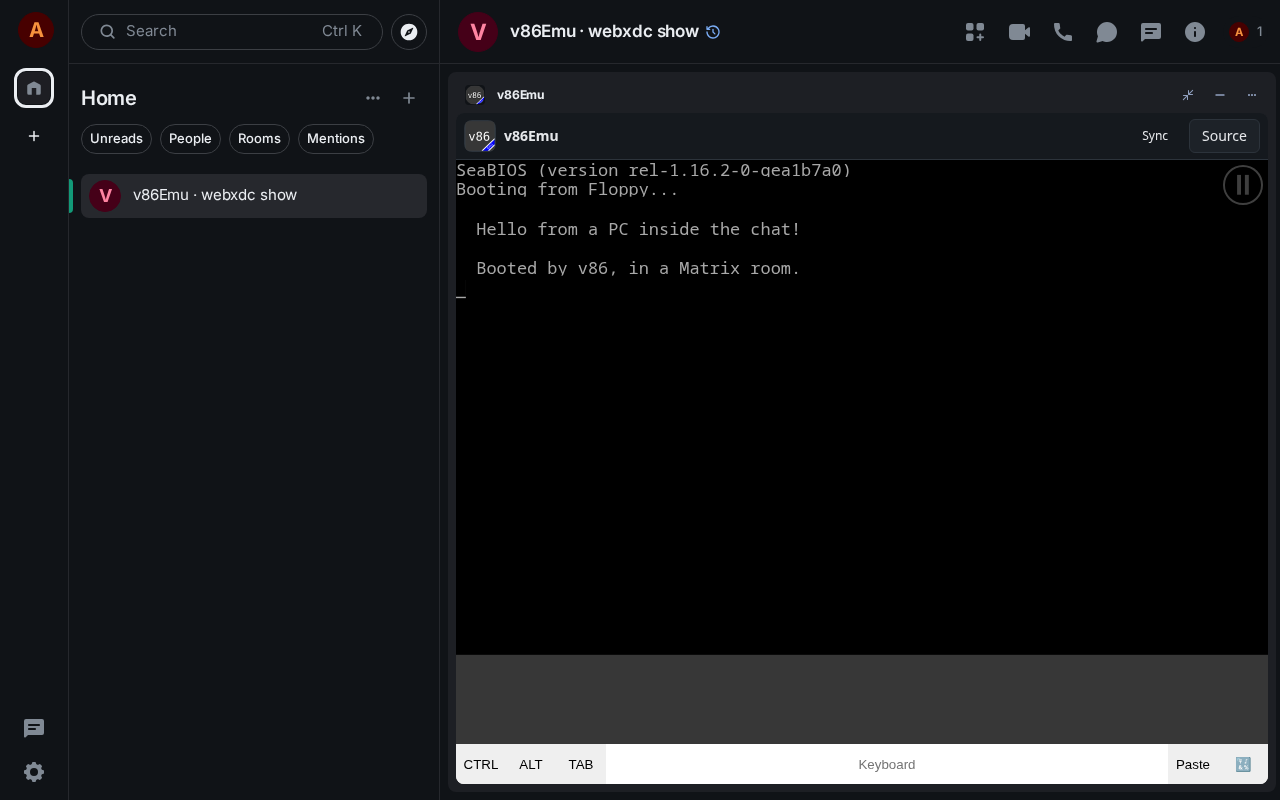
An x86 PC emulator based on Copy's v86: load a floppy, hard disk or CD image (32-bit operating systems) and boot it right in the app, with settings for memory, video memory and BIOS. Networking for the guest system can run over the webxdc realtime channel, so emulated machines of people in the same chat can talk TCP/UDP to each other. You bring the disk image; nothing is bundled.
How to use it
- Choose the disk type (floppy, hard disk or CD-ROM)
- Pick an image file from your device
- Adjust memory or networking if needed
- Tap Start and use the on-screen keyboard or your own
Screenshots