Decker
HyperCard-style decks of cards, scripted
ToolShared by everyoneWorks
What it does
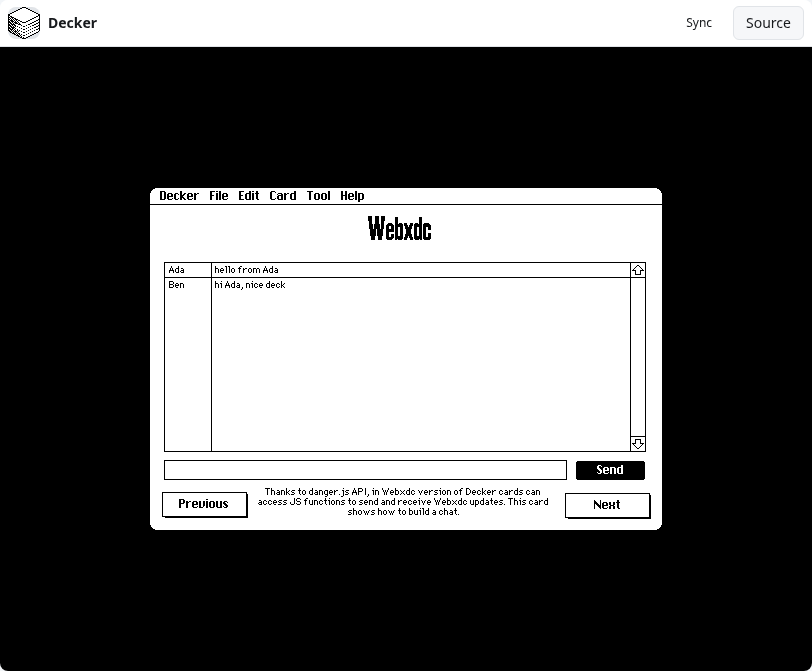
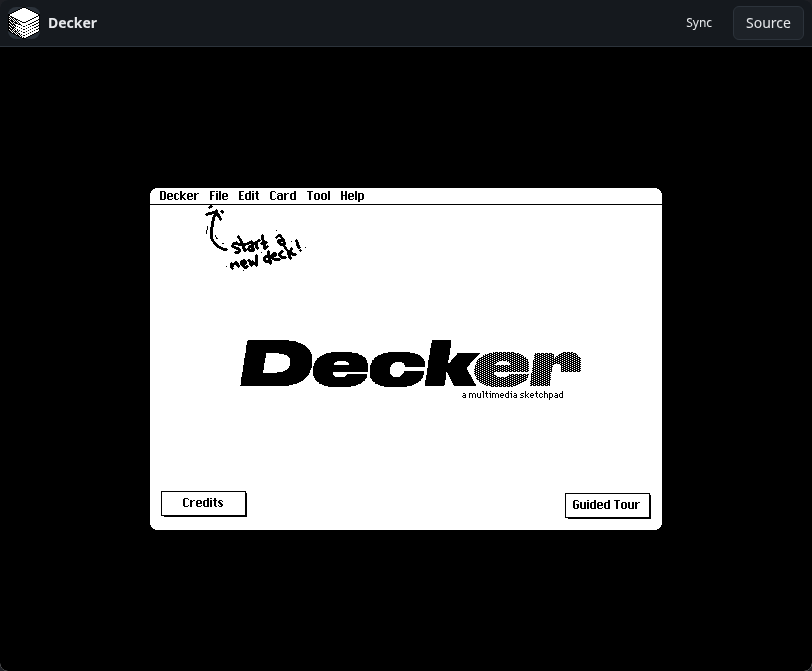
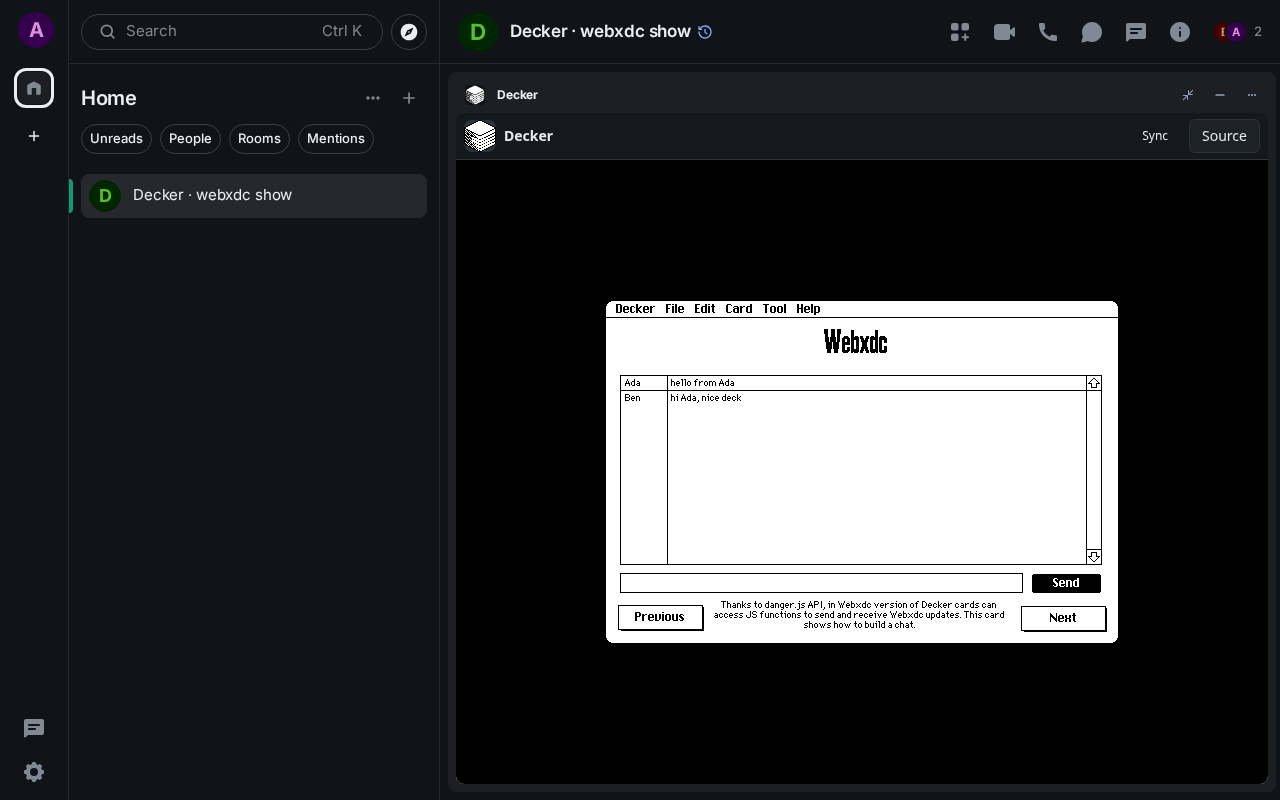
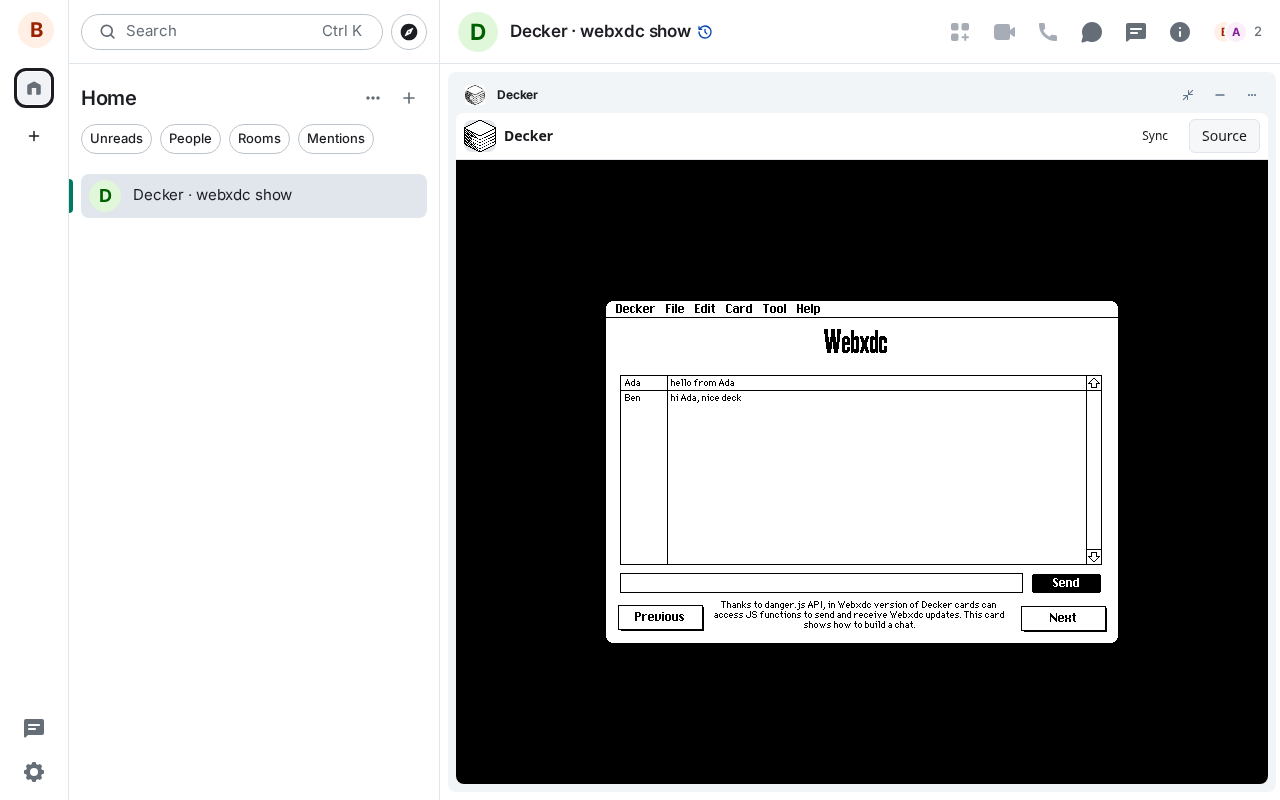
Decker is a multimedia platform for making and sharing interactive documents: decks of cards with text, pictures, sound, buttons and fields, drawn in a crisp 1-bit style and scripted in its own language, Lil. It builds on the legacy of HyperCard. The webxdc version can talk to the chat: the guided tour has a card that works as a small chat between everyone in the room, and decks can send and receive webxdc updates.
How to use it
- Open the Guided Tour to learn the basics
- Use the File, Edit and Tool menus to make your own deck
- Draw, add buttons and fields, and script them in Lil
- Try the tour's Webxdc card to send a line to everyone in the room
Screenshots