TOTP
Shared two-factor (TOTP) codes for a team
ToolShared by everyoneWorks
What it does
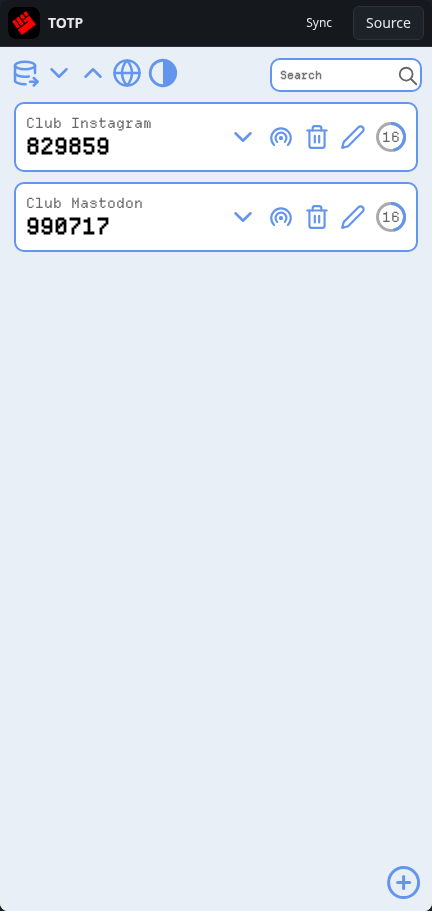
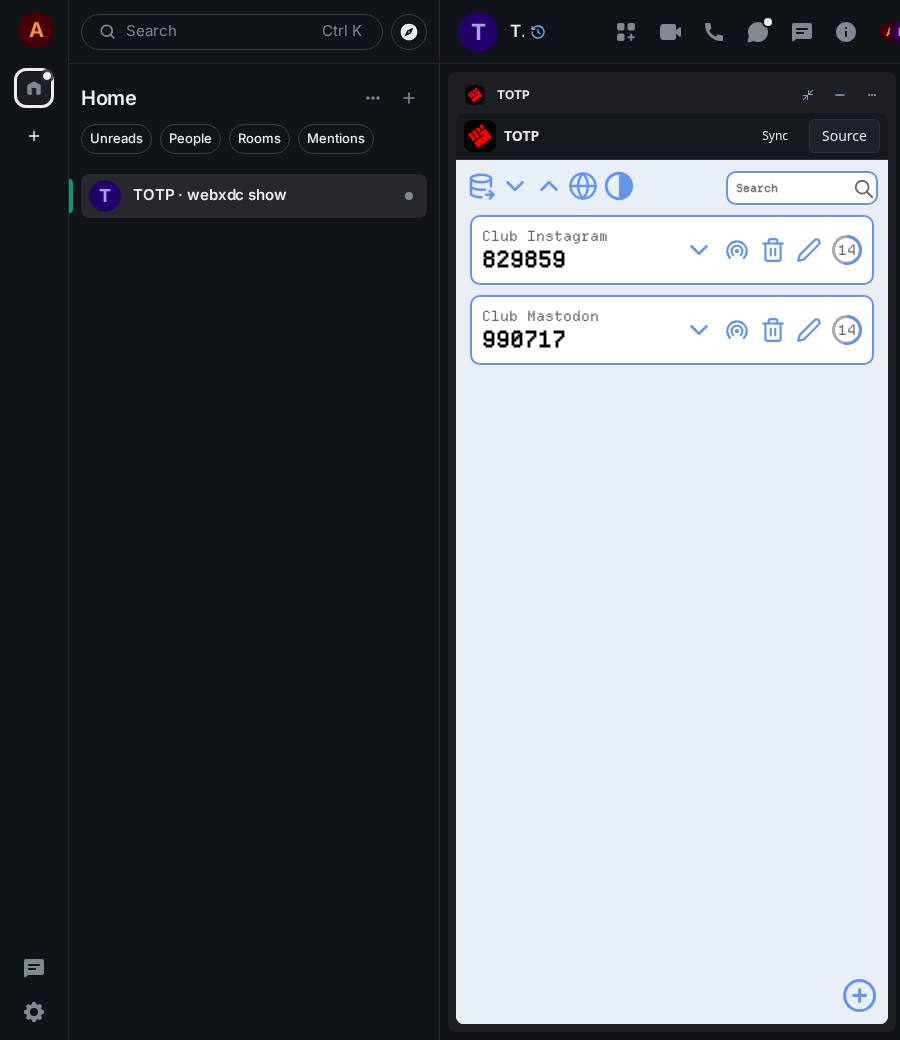
TOTP keeps time-based one-time passwords, the six-digit codes of two-factor login. Add an account with its base32 key or otpauth link and the app shows the current code with a countdown. In a group, everyone sees the same accounts and codes, which suits shared club or team logins; in your own notes chat it syncs your codes across devices.
How to use it
- Tap + and enter a name and the base32 key (or an otpauth:// link)
- Press Ok: the current code and its countdown appear
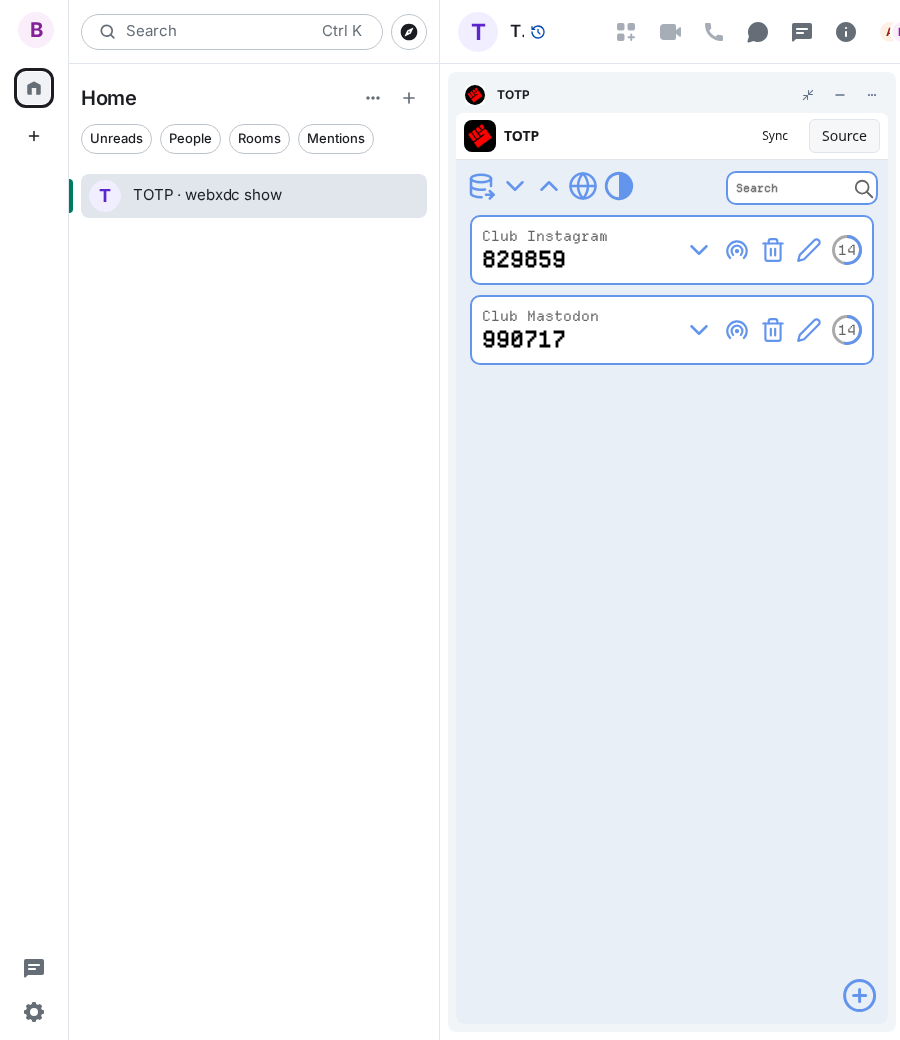
- Others in the chat get the same account and code
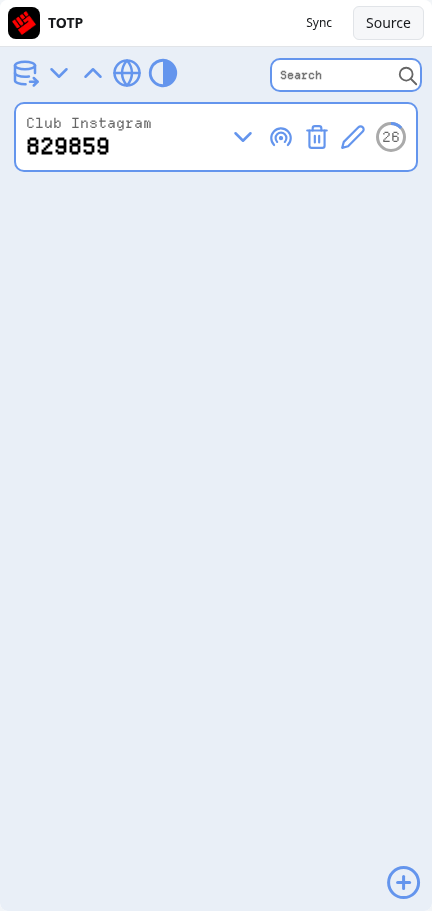
- Use the pencil to rename, the bin to delete an account
Screenshots