MARL
Browse a Mastodon archive offline
ToolSoloWorks
What it does
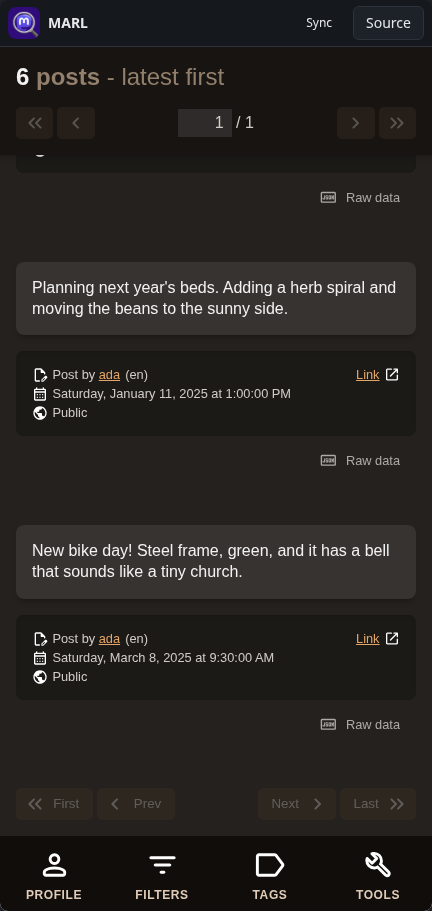
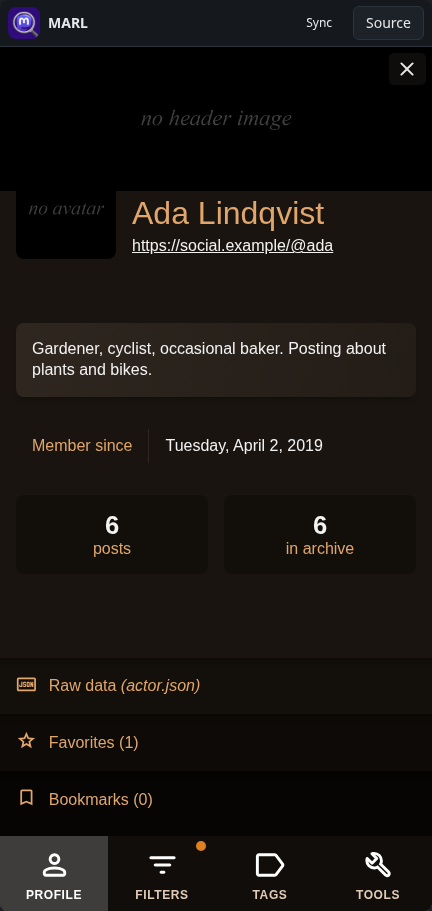
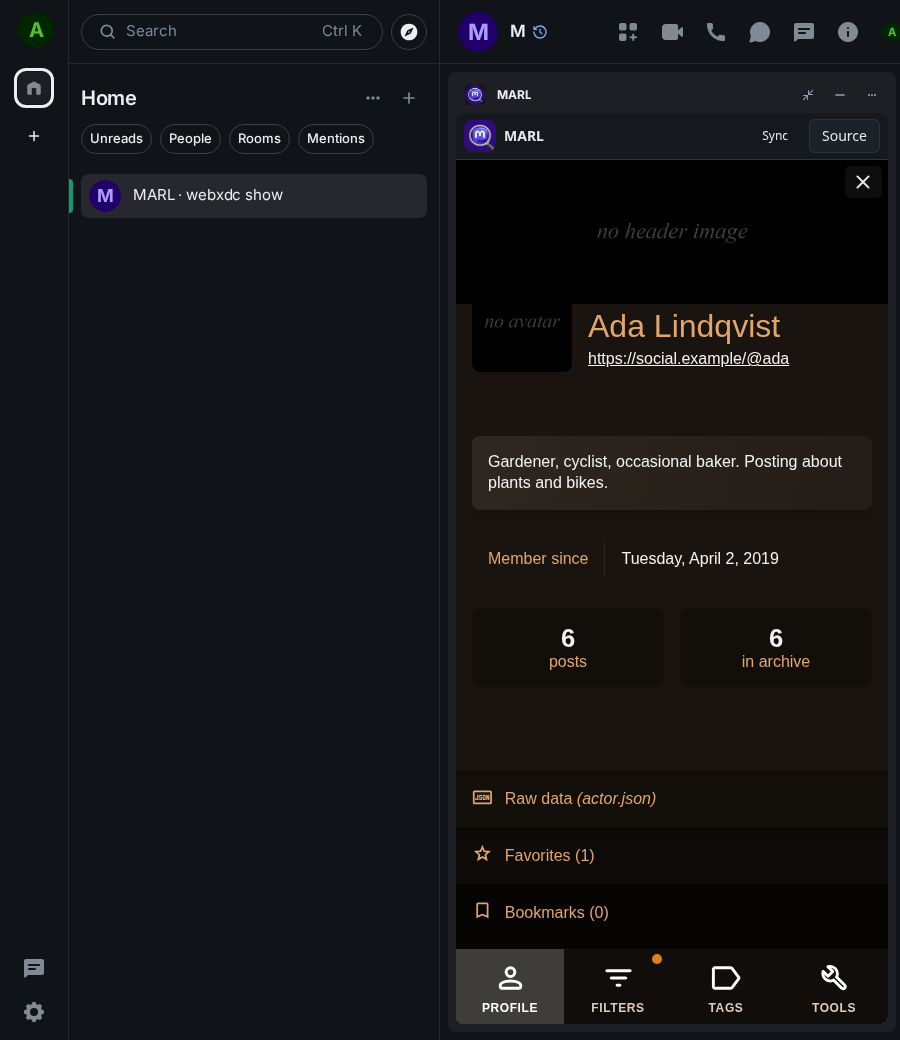
MARL (Mastodon Archive Reader Lite) opens the archive file you can download from your Mastodon account and lets you read it: your profile, all your posts with their images, favourites and bookmarks. Posts can be filtered by text, hashtag, mention or date. The archive is opened only on your own device and nothing is shared with the chat.
How to use it
- Download your archive from your Mastodon settings (Export).
- Open MARL and choose the .zip file.
- Scroll through your posts, or open Filters to search them.
- Use Tags to list posts with one hashtag; Profile shows your account.
Screenshots