Event Planner
Find a date that works for everyone
ToolShared by everyoneWorks
What it does
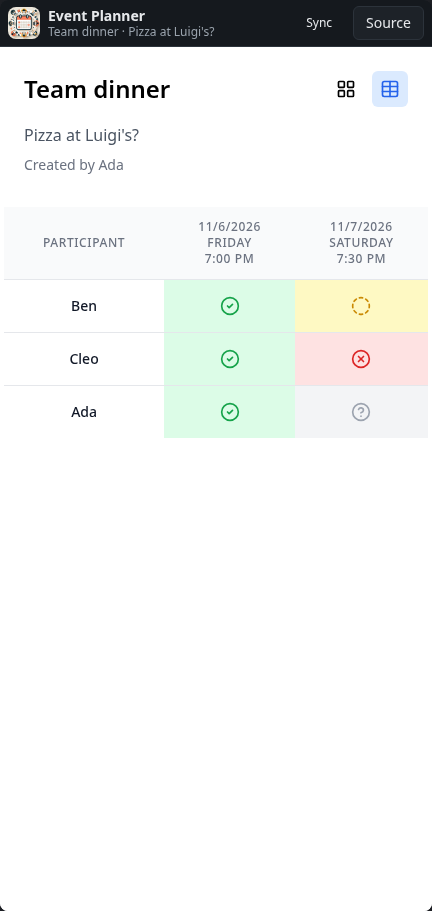
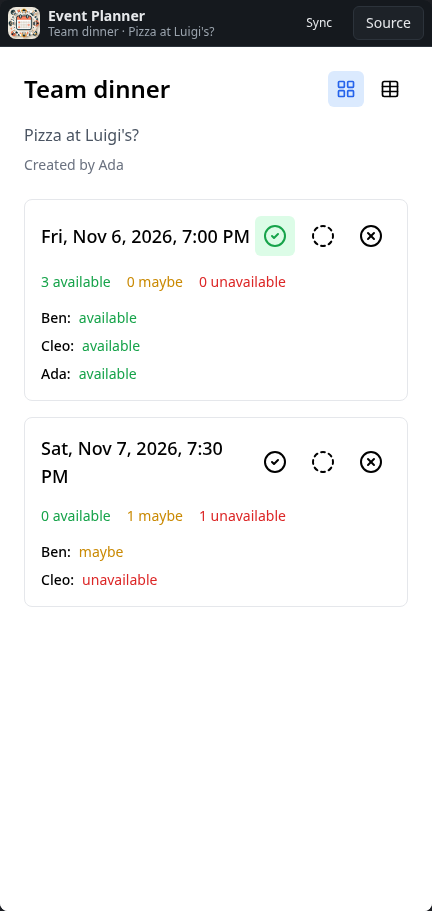
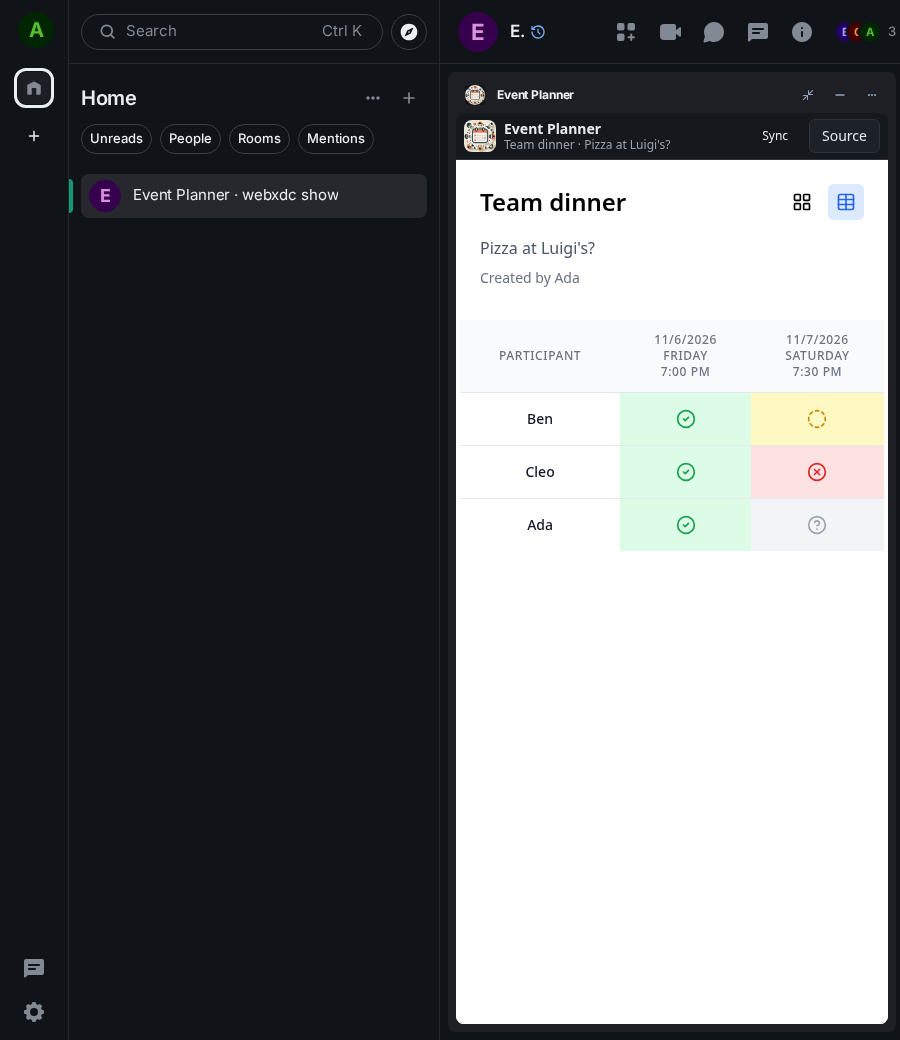
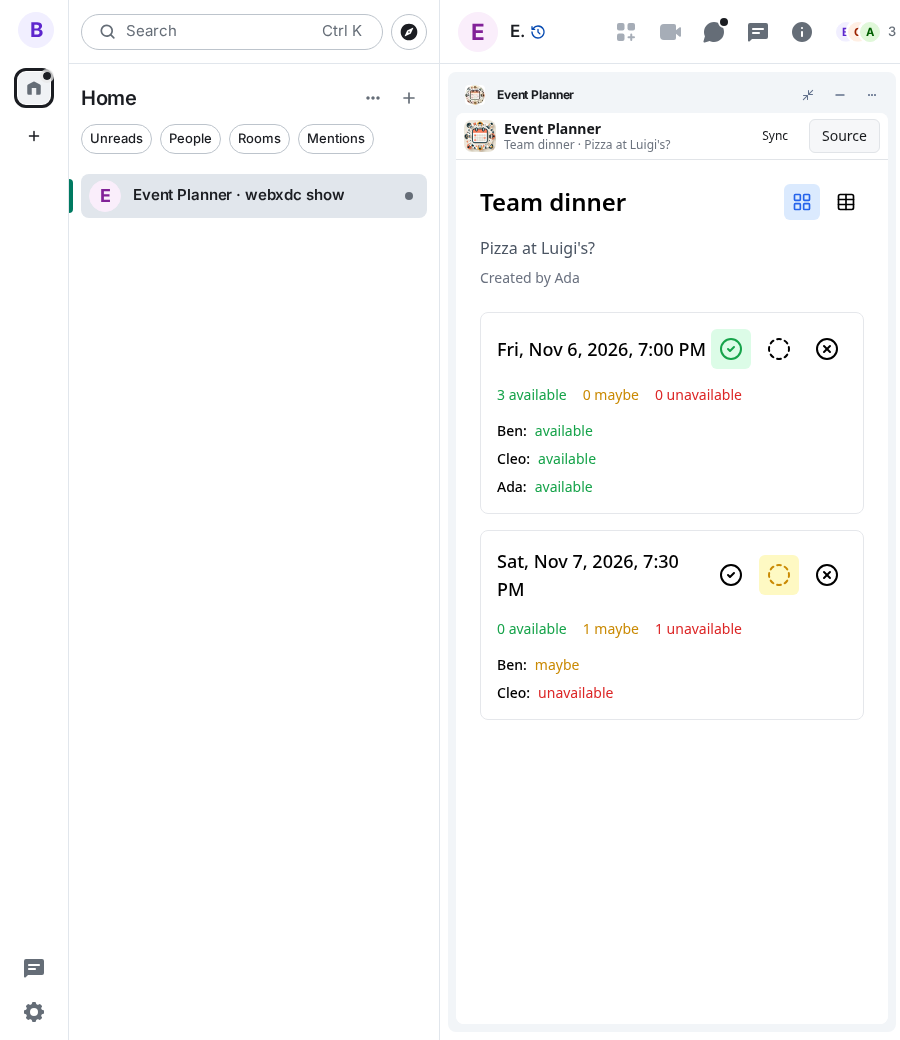
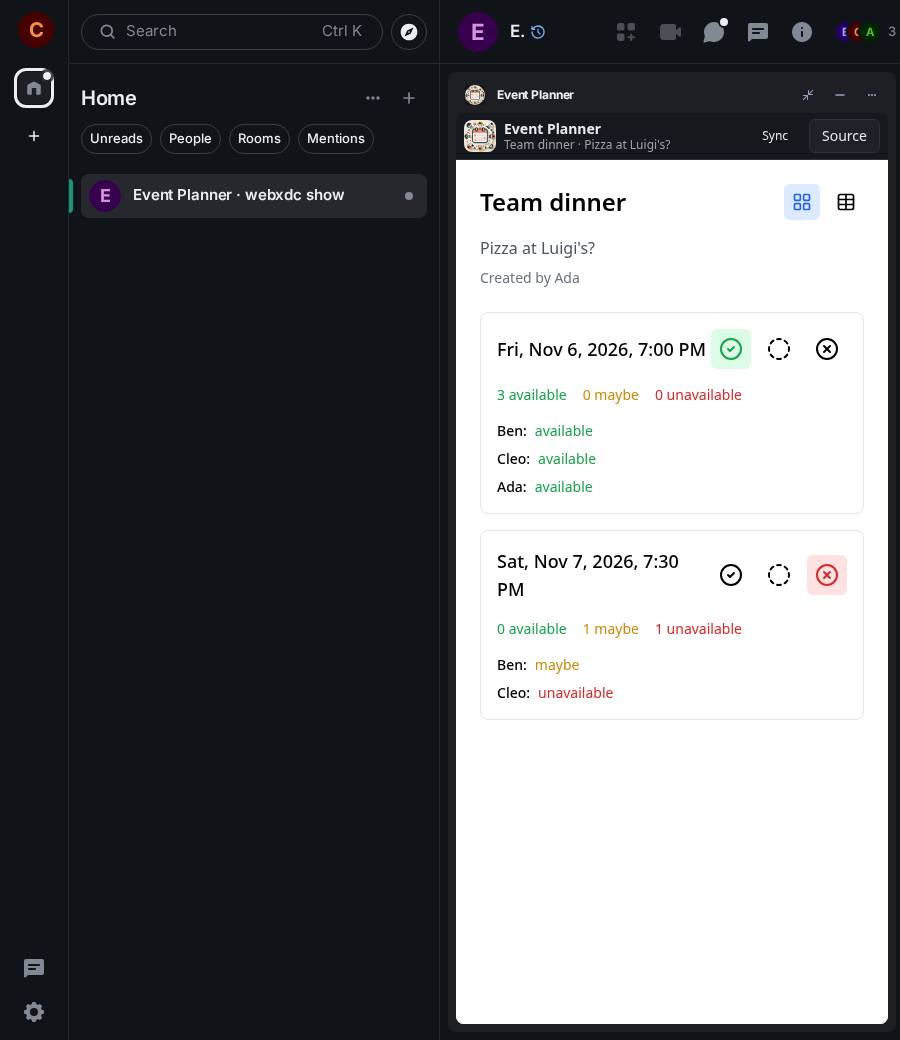
A scheduling poll for the group: one person proposes an event with a few dates and times, and everyone marks each slot as available, maybe or unavailable. The counts update for everybody as votes come in, and a table view shows who can make which slot. Handy for dinners, meetings and trips.
How to use it
- Enter a title and an optional description
- Add one or more time slots with a date and time, then press Create Poll
- Everyone taps available, maybe or unavailable for each slot
- Switch to the table view to see who can come when
Screenshots