TimeTracking
A time tracker whose log syncs across devices
ToolShared by everyoneWorks
What it does
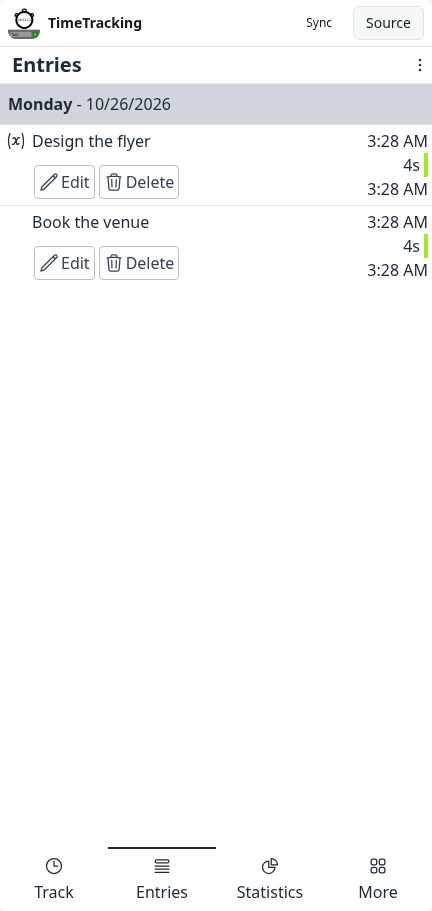
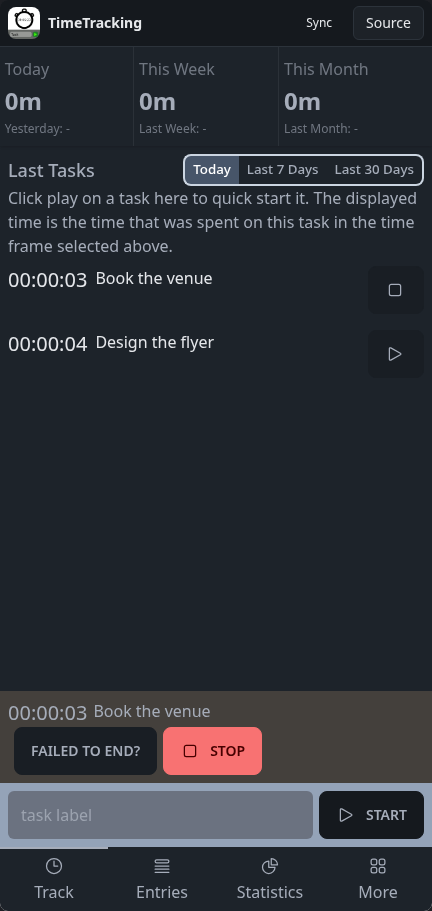
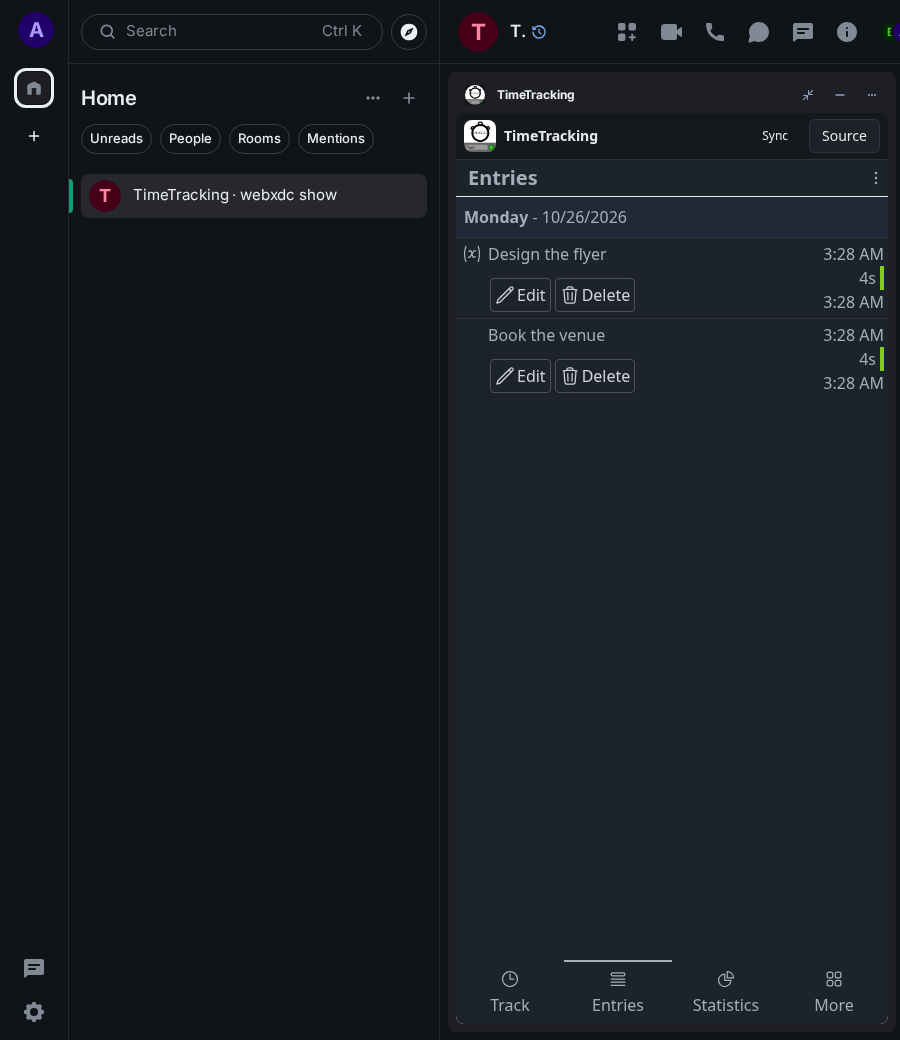
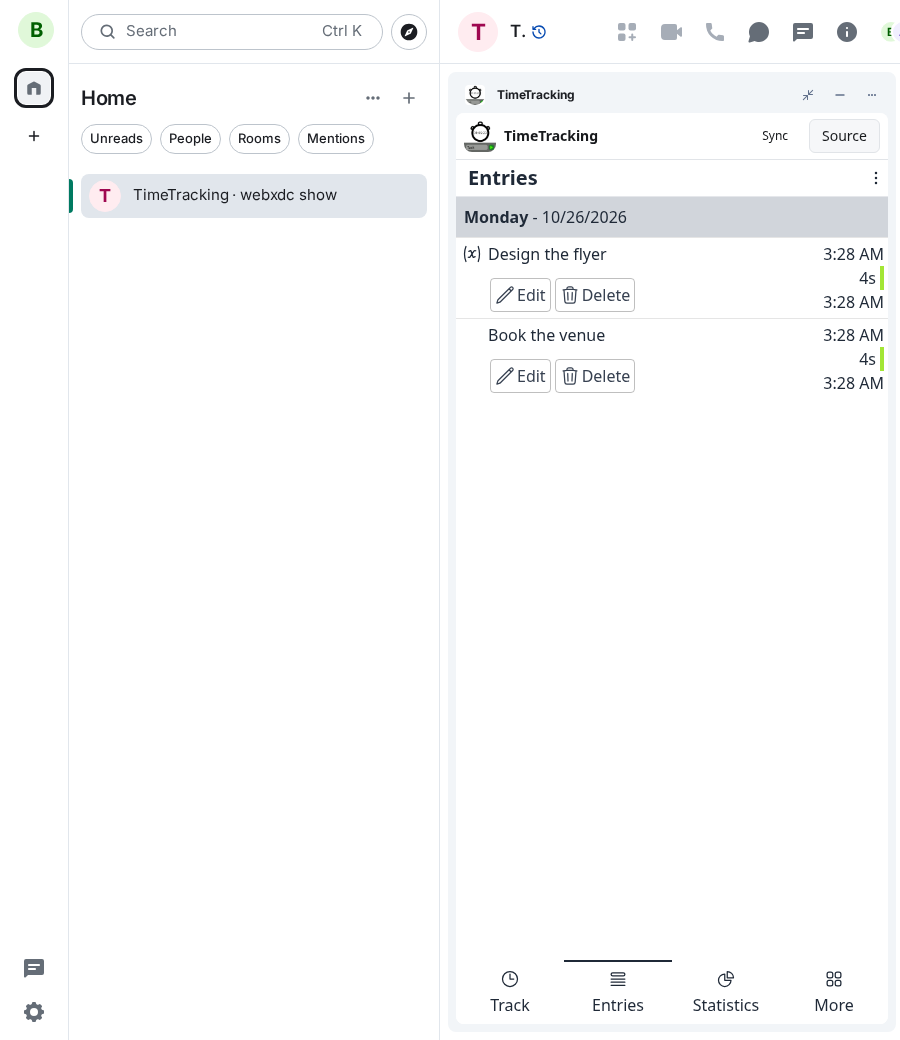
Track how long you spend on tasks: type a label, press Start, press Stop when done. Entries and statistics (today, this week, this month) are kept in the chat and synced to every device in the room, so in a group it works as one shared timer and timesheet: starting a new task stops the running one. Entries can be edited afterwards and recent tasks restarted with one tap.
How to use it
- Type a task label and tap Start
- Tap Stop when you are done (or start the next task)
- Tap play next to a recent task to start it again
- Open Entries or Statistics to see where the time went
Screenshots