Spoiler App
Hide photos behind a spoiler in the chat
ToolSoloWorks
What it does
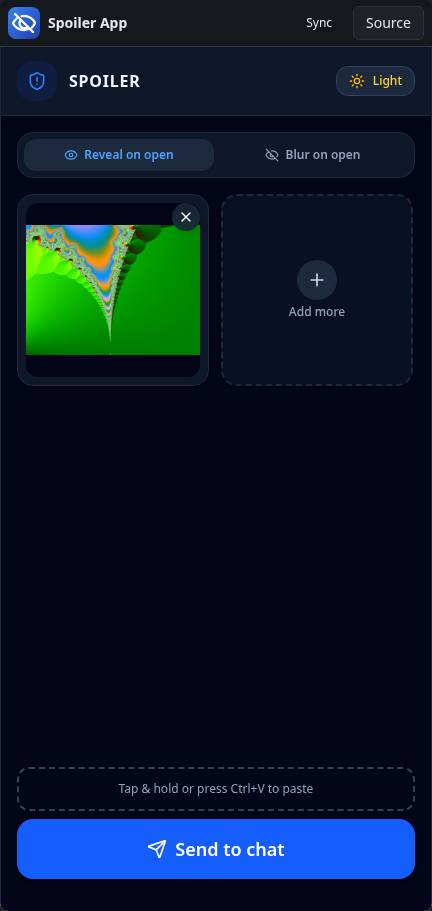
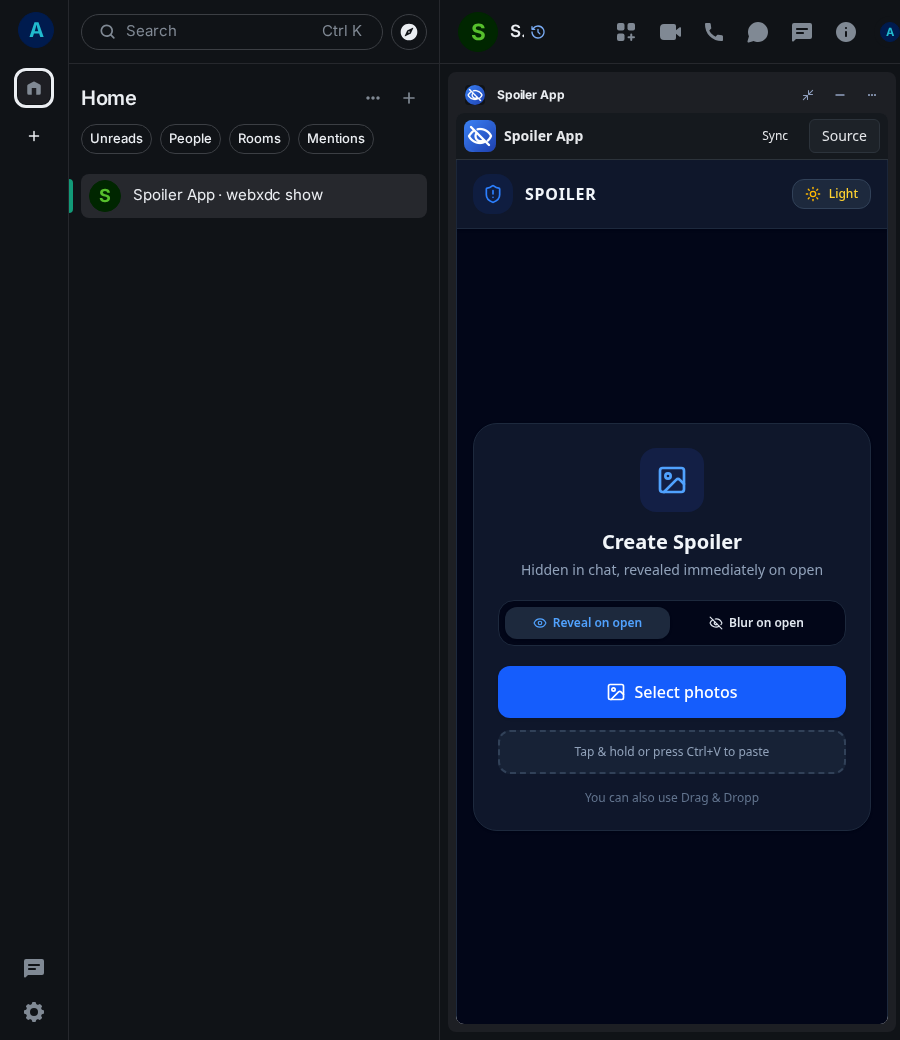
Spoiler App turns one or more photos into a spoiler: a small new app sent to the chat that hides the pictures until someone opens it. You choose whether the photos are shown at once or stay blurred until tapped. It is handy for surprise pictures, plot spoilers or anything people should only see when they choose to.
How to use it
- Choose Reveal on open or Blur on open.
- Tap Select photos, paste or drop pictures.
- Tap Send to chat; the spoiler is added to the room's apps.
- The others start the spoiler app to see the photos.
Screenshots