Shared Memo
One shared sticky note for the whole chat
ToolShared by everyoneNot reviewed yet
What it does
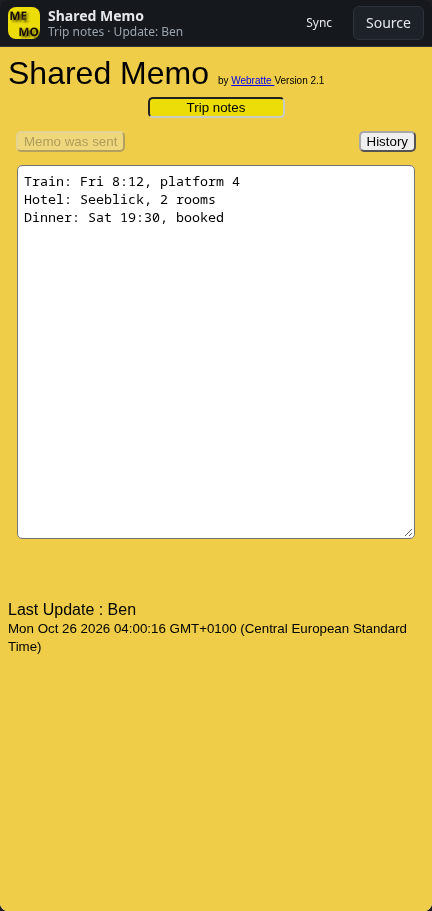
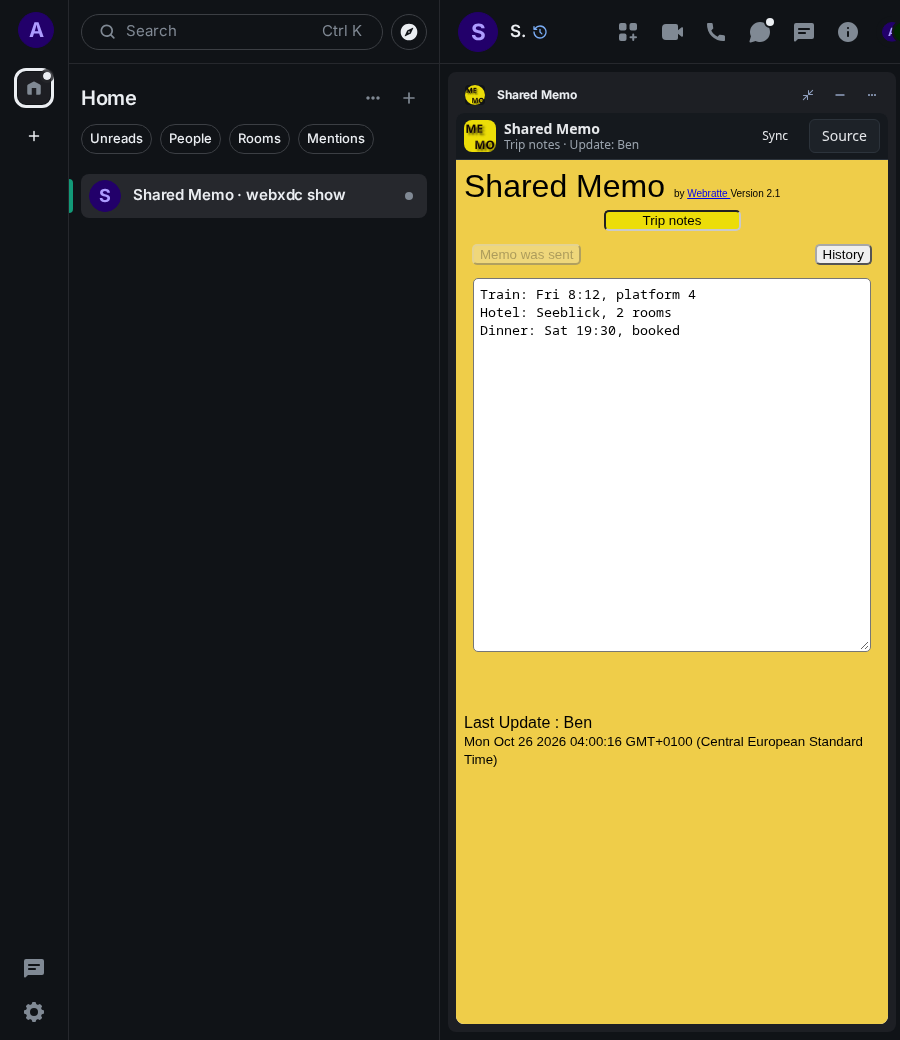
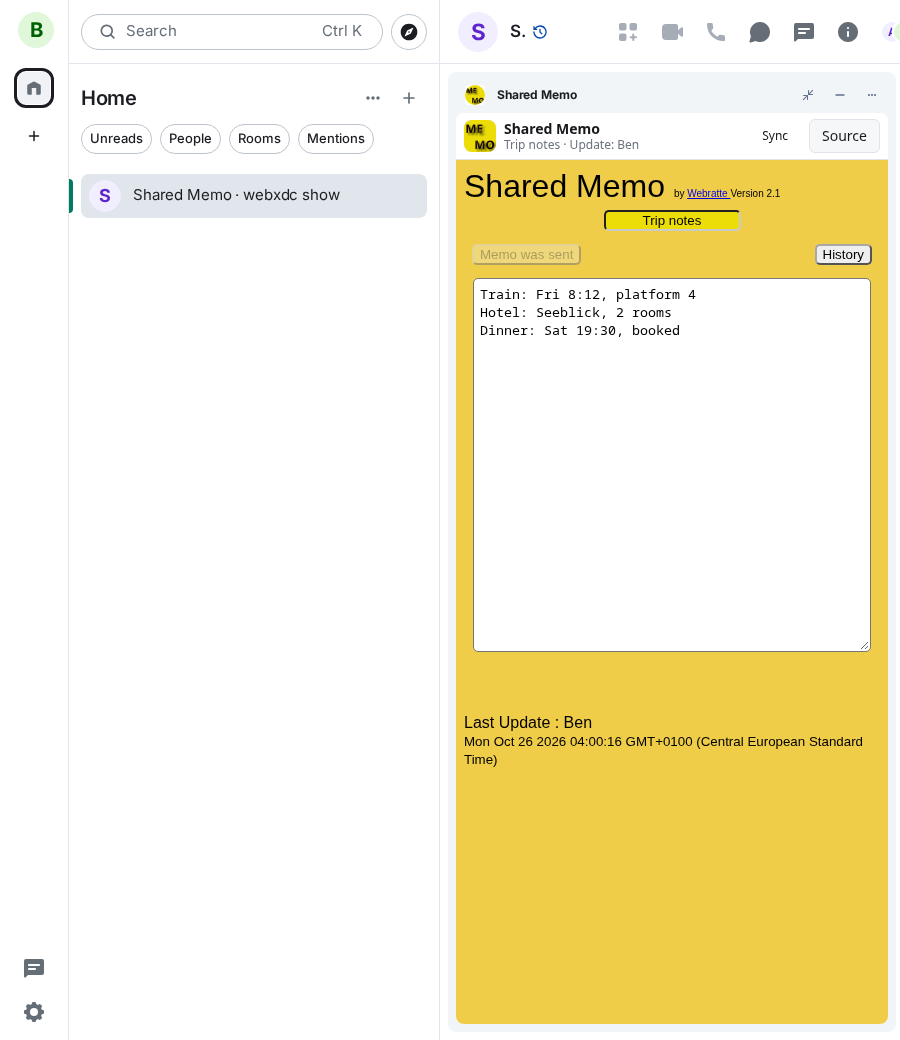
A single memo that everyone in the room can edit, for the facts a group keeps looking up: addresses, times, booking numbers. Whoever changes it sends the new version to everyone, with their name and the time of the last update, and earlier versions stay reachable through History. Used alone in your own room, it syncs a note across your devices.
How to use it
- Tap the title to rename the memo and confirm
- Write in the text field
- Press Send Memo to share your version with everyone
- Use History to look at earlier versions
Screenshots