Checklist
One shared list for the whole group
ToolShared by everyoneWorks
What it does
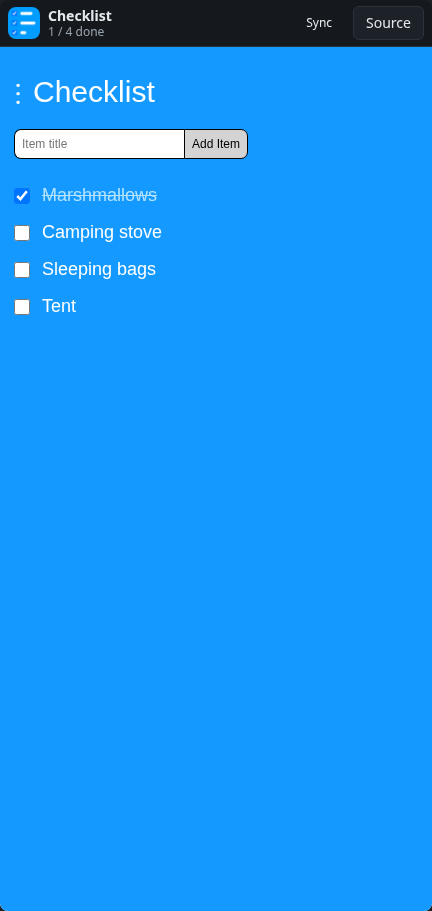
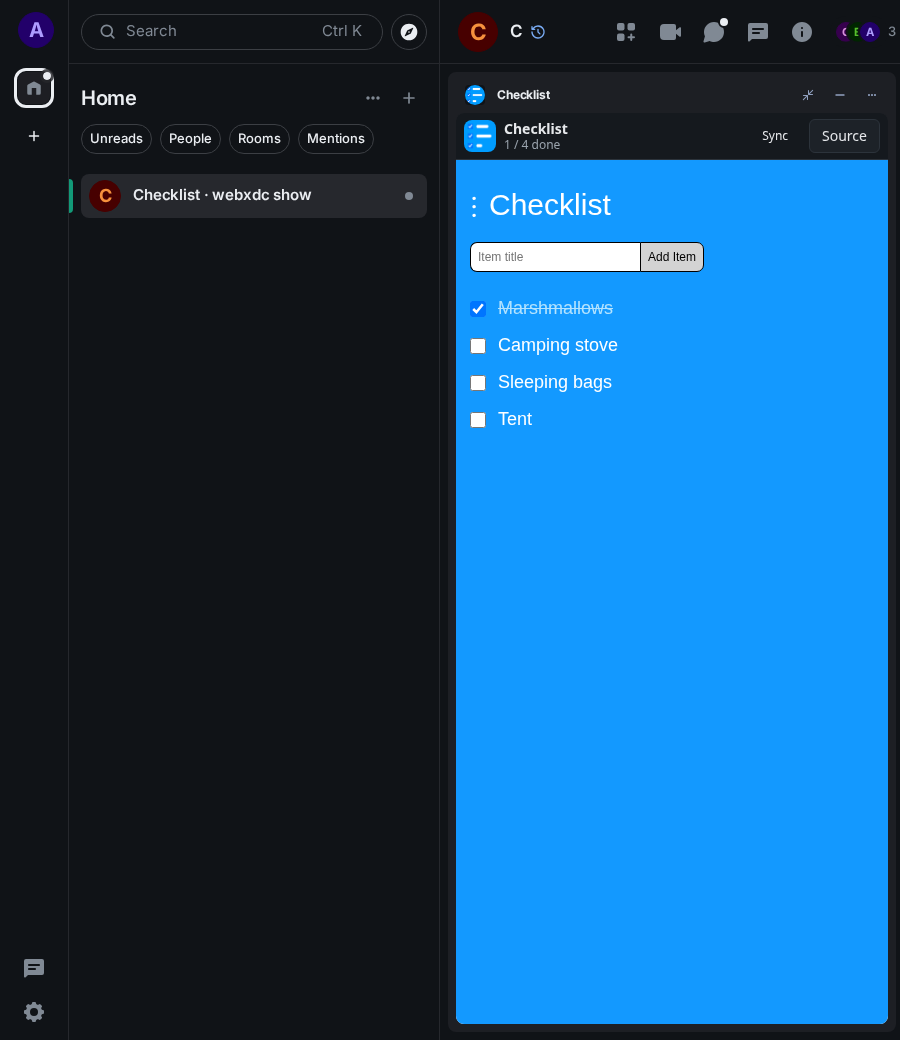
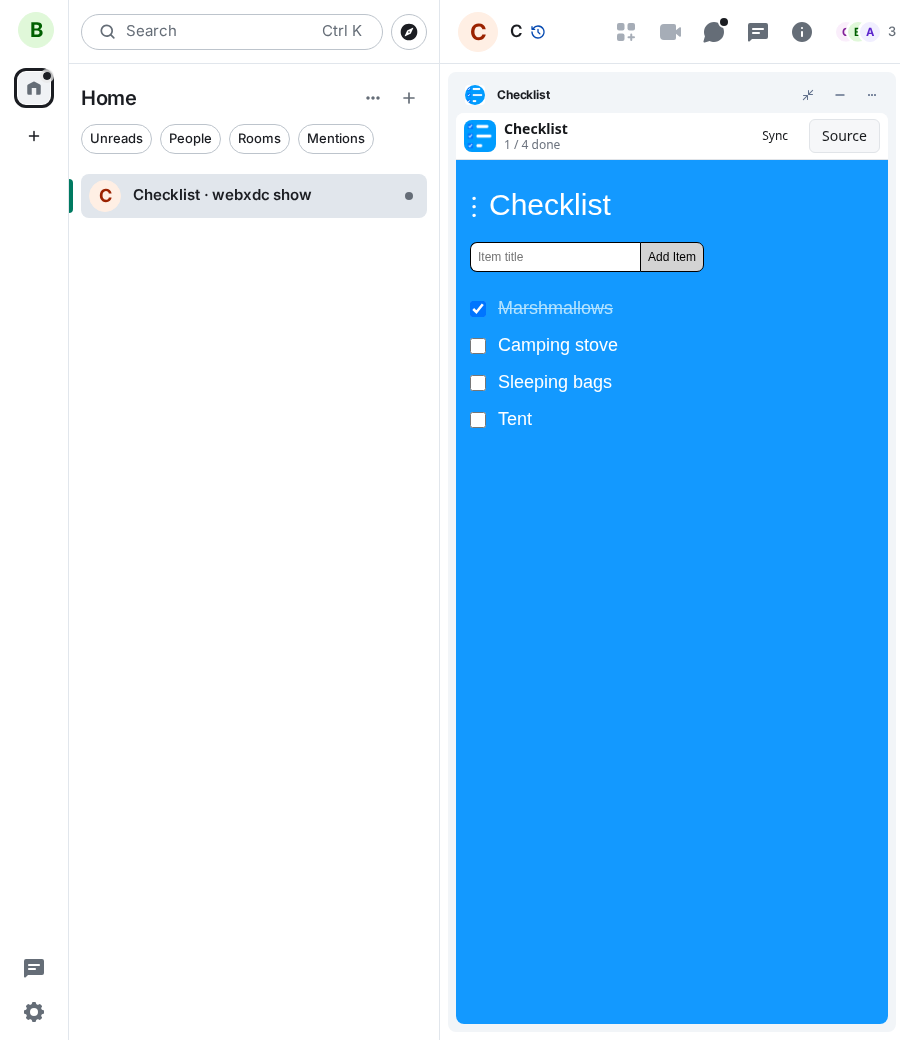
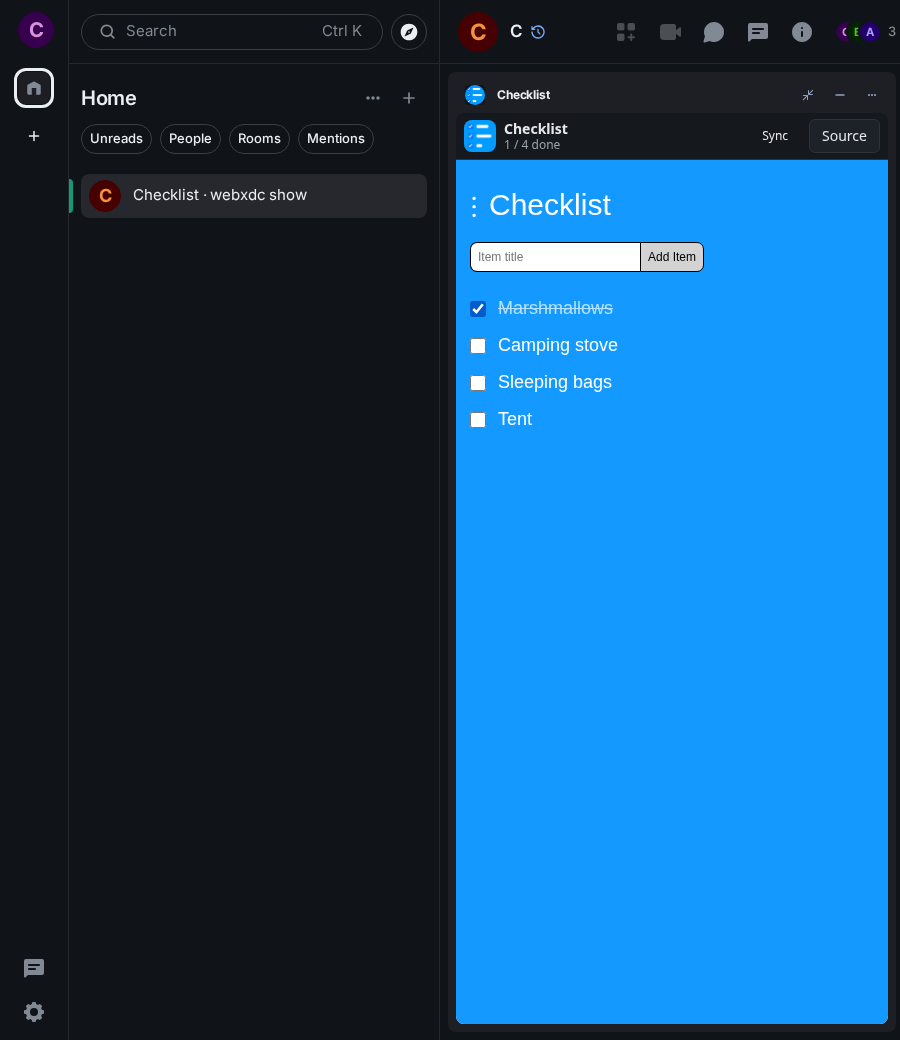
A checklist everyone in the room can add to and tick off. Items appear for everybody at once, so it works for packing lists, shopping, party planning or a team's small to-dos. Lists can be exported and imported as files.
How to use it
- Open Checklist in the room
- Type an item and press Add Item
- Tick an item when it is done; everyone sees it
- Use the menu to export or import the list
Screenshots