Poll
A quick poll for the group, one question at a time
ToolShared by everyoneWorks
What it does
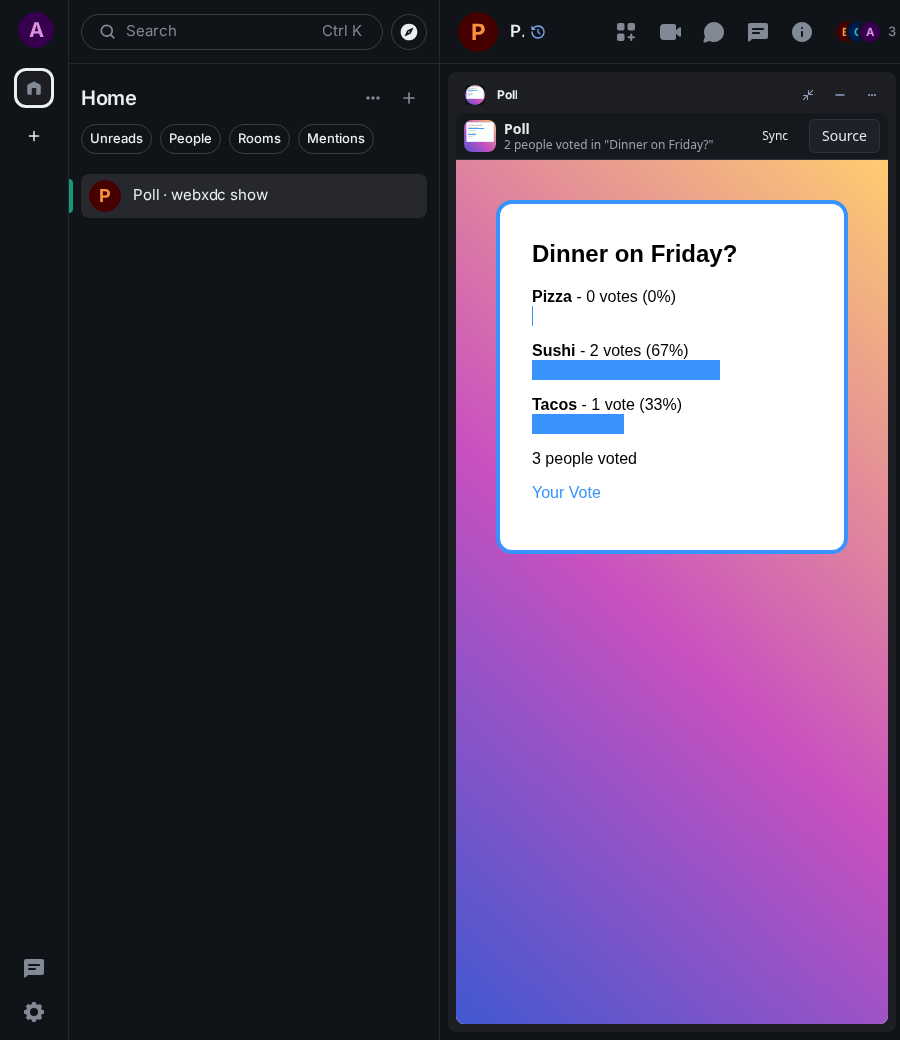
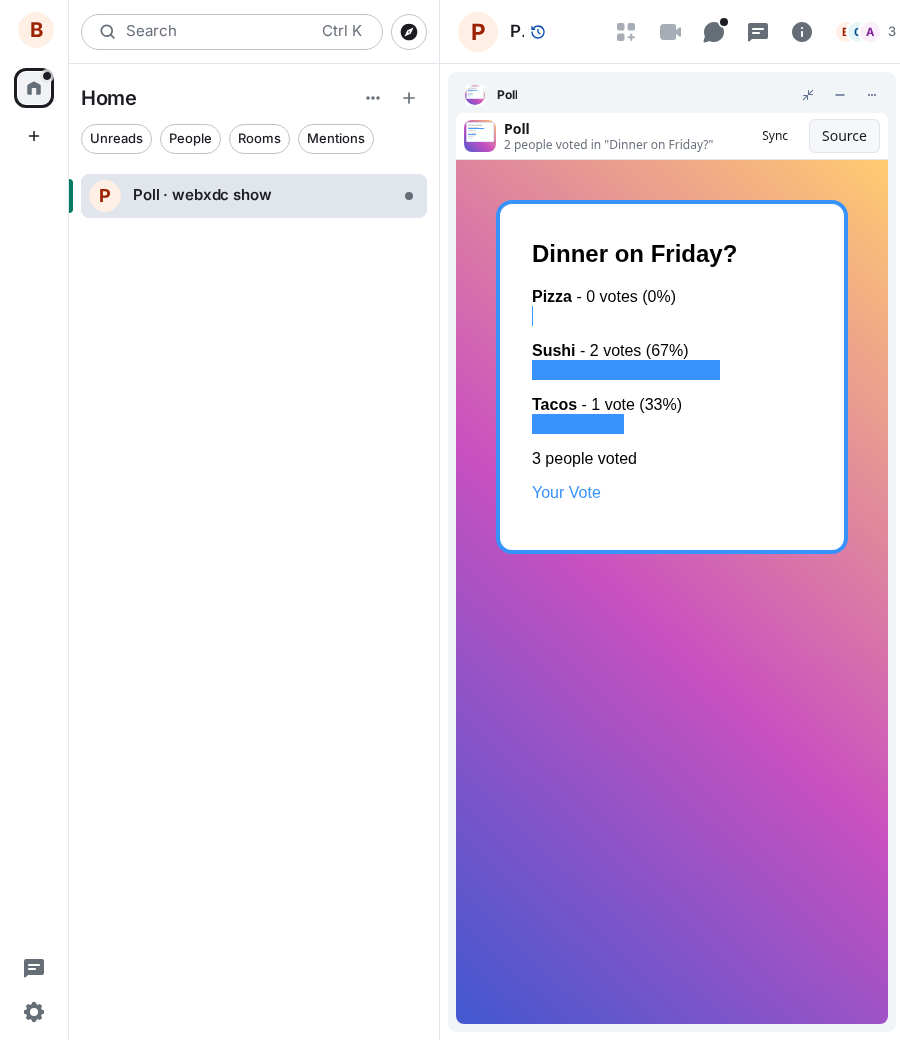
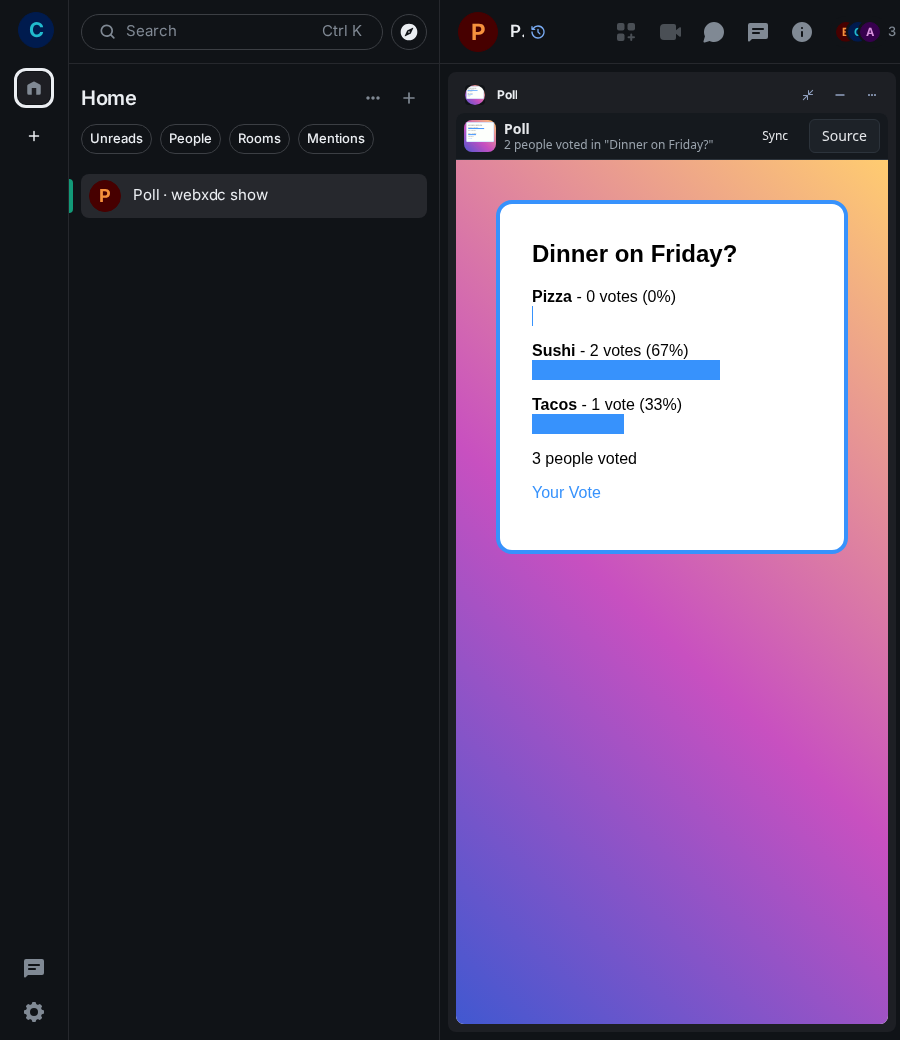
Ask one question with two or more answers and let everyone in the room vote. Each person can tick one or more answers and change their vote later; the results show votes and percentages for every answer. Good for settling where to eat or when to meet without a long thread.
How to use it
- Type your question and the answers (Add an answer for more)
- Tap Create Poll: it appears for everyone in the room
- Tick your answer and tap Vote
- See the results; tap Your Vote to change it
Screenshots